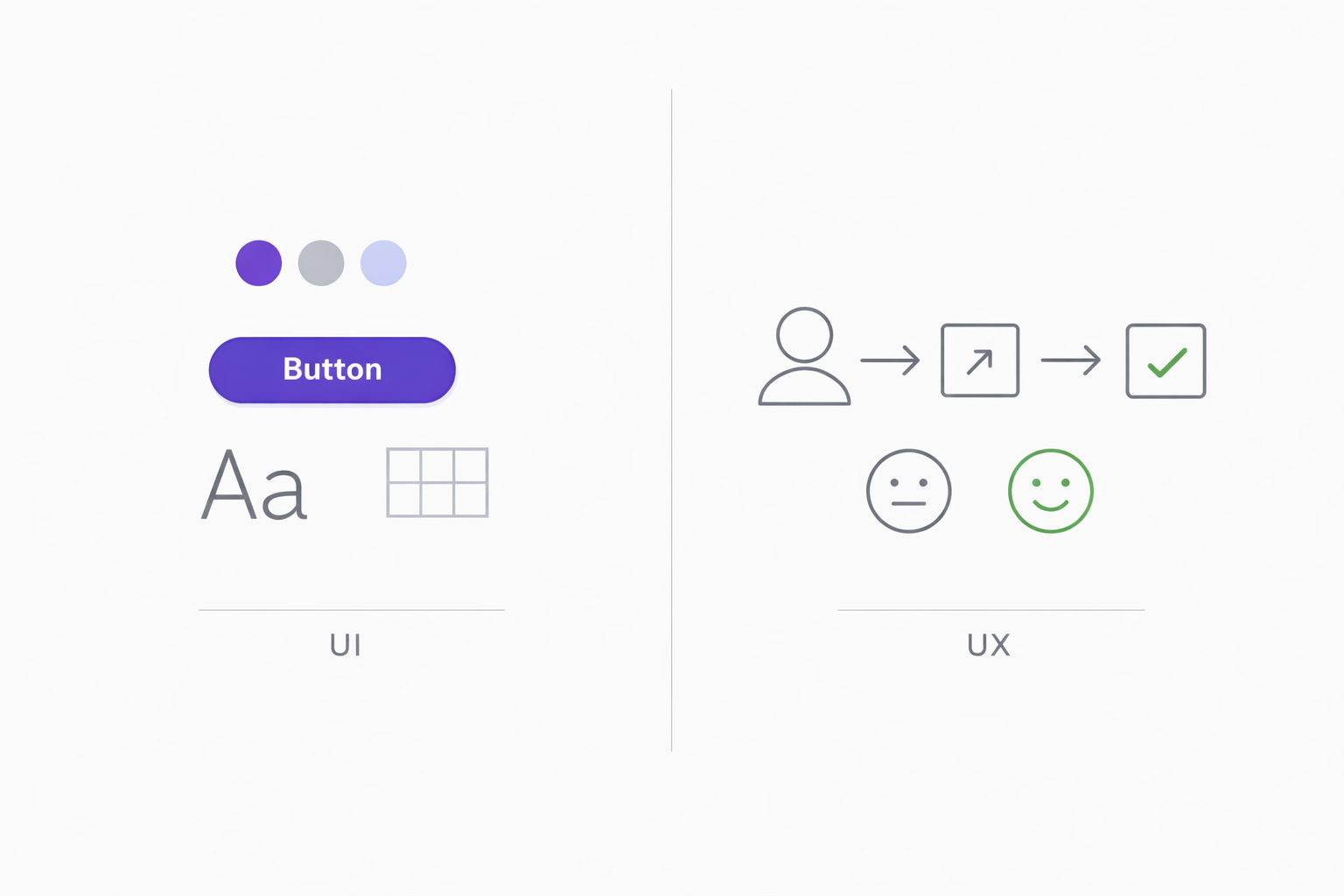
People throw around "UI/UX" like it's one thing. You see job postings for "UI/UX designers," hear people talk about "improving the UI/UX," and might reasonably conclude they're interchangeable terms.
They're not. UI and UX are distinct disciplines that overlap but focus on different aspects of how people interact with products. Understanding the difference matters—whether you're hiring designers, building a product, or trying to improve an existing one.
Let's break down what each actually means, why the confusion exists, and how the two work together.
What User Experience (UX) Actually Means
User Experience encompasses everything about how someone interacts with a product or service. It's not just digital interfaces—a well-designed chair has good UX. A frustrating bureaucratic process has bad UX.
In digital products, UX design asks:
- Does this product solve the user's actual problem?
- Can users figure out how to accomplish their goals?
- Does the experience feel efficient or frustrating?
- Would users want to come back?
- What emotions does interacting with this product create?
UX design starts before any visual design happens. It involves:
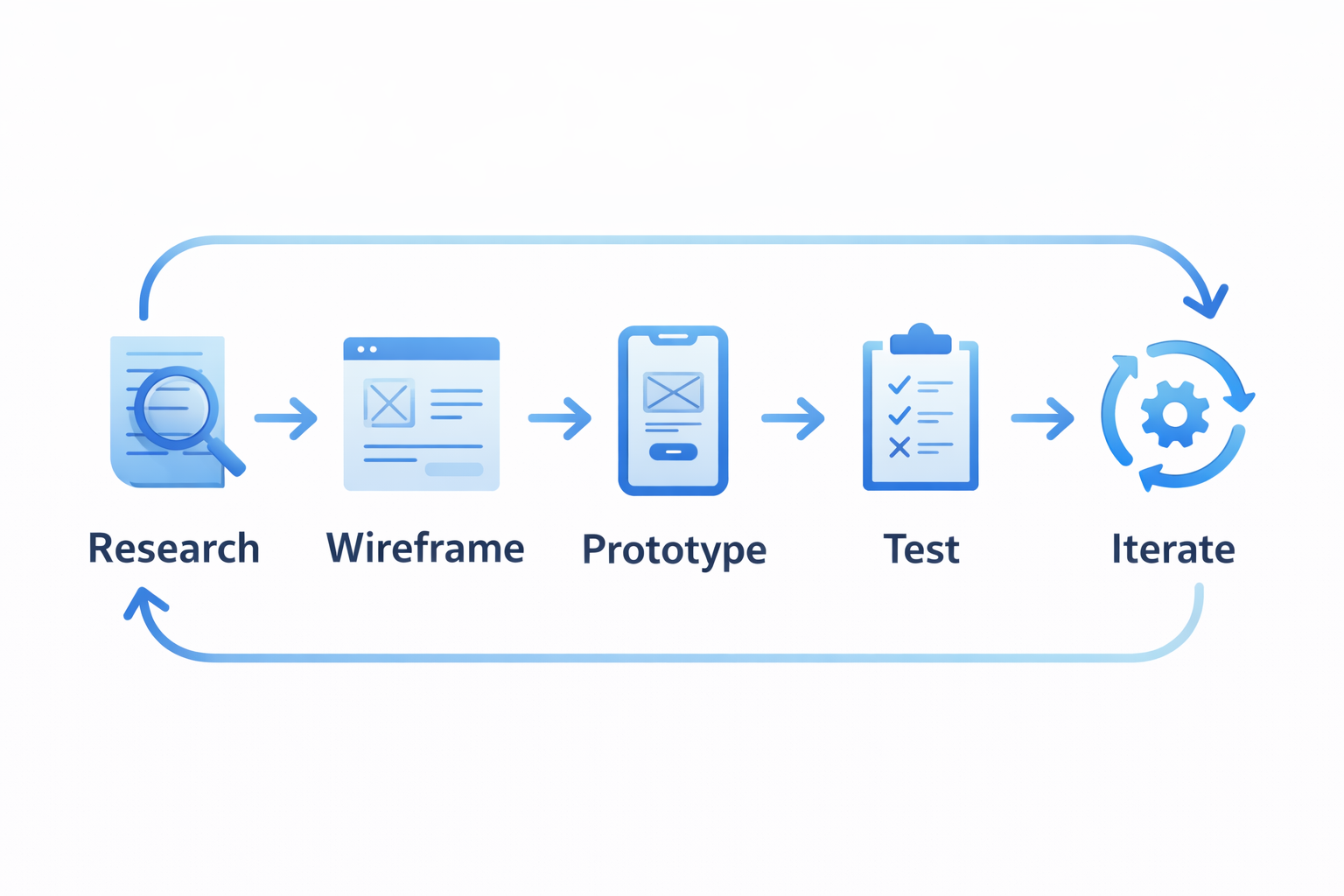
Research. Understanding who the users are, what they're trying to accomplish, and what obstacles they face. This might mean interviews, surveys, analytics analysis, or observing how people currently solve the problem.
Information architecture. Deciding how content and functionality should be organized. Where does each feature live? How do users navigate between sections? What's the hierarchy of information?
User flows. Mapping out the steps users take to complete tasks. From "I want to buy this product" to "Purchase complete," what screens do they encounter? Where might they get stuck?
Wireframing. Creating low-fidelity sketches of screens to test structure and flow without getting distracted by visual design. These are intentionally rough—boxes, labels, basic shapes.
Prototyping and testing. Building interactive versions to see if the design actually works. Do users understand what to do? Do they complete tasks successfully? What confuses them?
The key thing about UX: it's measured by outcomes, not opinions. Good UX isn't what designers think looks clever—it's what actually helps users accomplish their goals efficiently.
UX is like the floor plan and layout of a house. Where are the rooms? How do you move between them? Does the space flow naturally?
What User Interface (UI) Actually Means
User Interface design focuses on the visual and interactive elements users actually see and touch. If UX is the skeleton, UI is the skin and clothes.
UI design deals with:
Visual design. Colors, typography, imagery, icons, spacing. How does the interface look? Does it feel professional, playful, minimal, luxurious?
Component design. Buttons, forms, cards, navigation menus, modals. What do these elements look like? How do they behave when hovered, clicked, or disabled?
Interaction design. Animations, transitions, micro-interactions. How does the interface respond to user actions? What happens when you submit a form or expand a section?
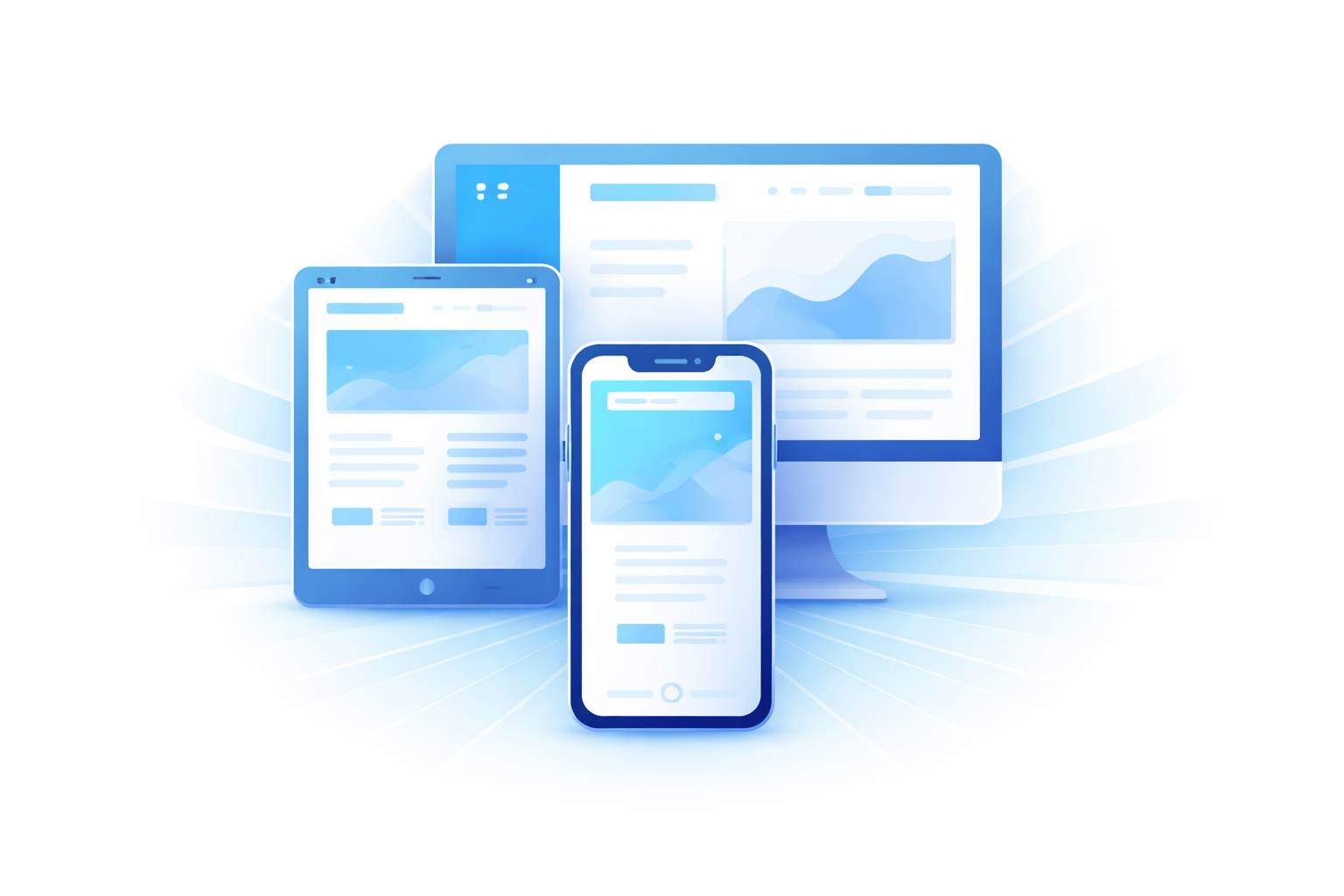
Responsive design. How does the interface adapt across different screen sizes? Does it maintain visual coherence on phones, tablets, and desktops?
Design systems. Creating consistent, reusable components and patterns. Building a library of elements that work together cohesively across the entire product.
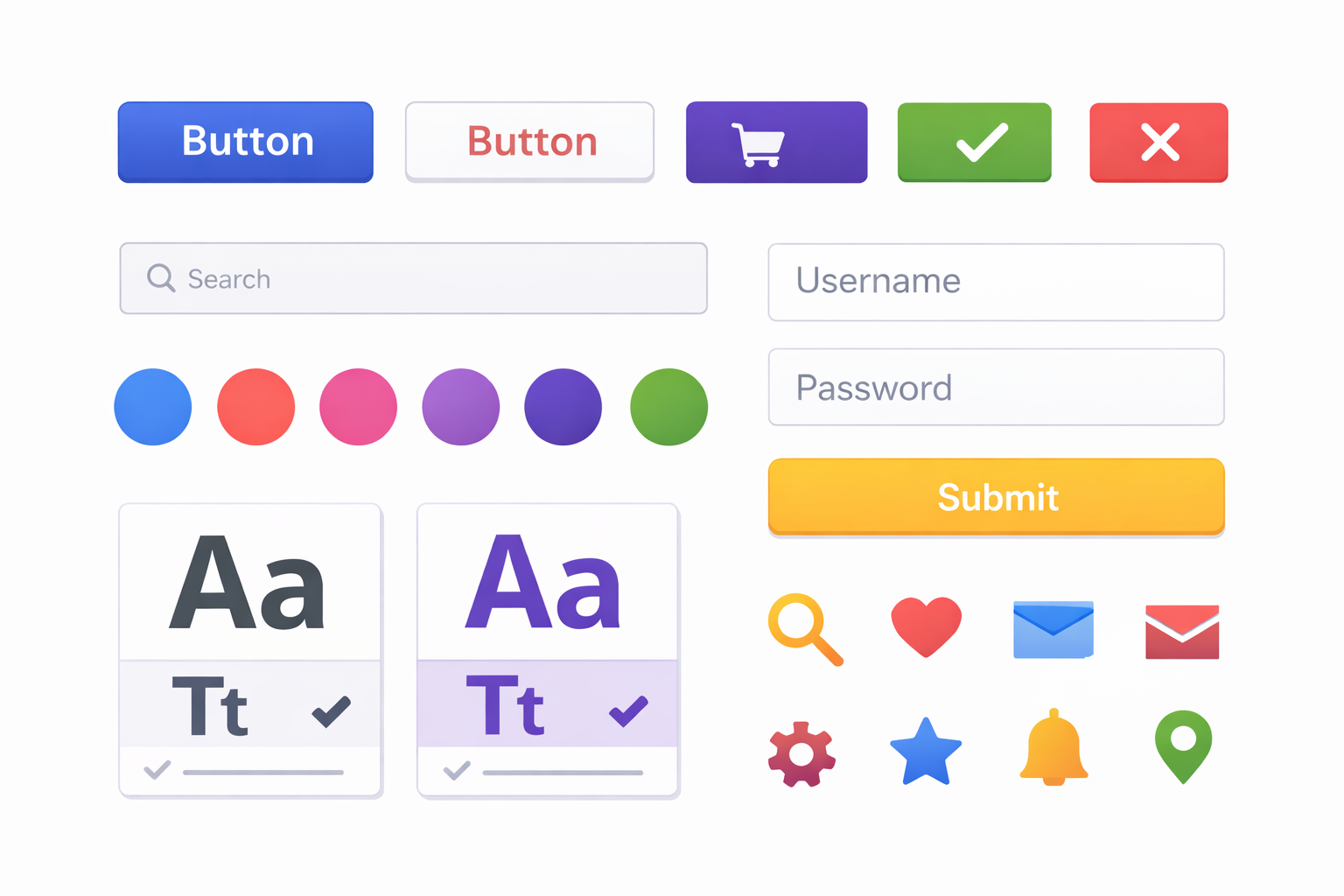
UI designers work with tools like Figma, Sketch, or Adobe XD to create polished visual designs. They're concerned with pixel-level details—the exact shade of blue, the precise border radius, the subtle shadow that makes a card feel elevated.
Good UI makes products feel polished and professional. It creates visual hierarchy that guides users' attention. It builds brand recognition and emotional connection through consistent visual language.
UI is like the paint, furniture, and decor in a house. It takes a functional space and makes it feel inviting, beautiful, and reflective of personality.
Why the Confusion Exists
Several factors blur the line between UI and UX:
Small teams combine roles. Startups often can't afford separate UI and UX specialists. One person does both, leading to combined "UI/UX designer" titles. This is practical but obscures that they're different skill sets.
The disciplines overlap significantly. Good UI considers usability (a UX concern). Good UX considers visual hierarchy and interaction patterns (UI territory). They influence each other constantly.
End users don't distinguish them. When someone says "this app has terrible UX," they might mean the buttons are ugly (UI) or that the checkout process is confusing (UX) or both. Users experience products holistically.
The industry uses the term loosely. Even professionals sometimes say "UX" when discussing visual design or "UI" when discussing user flows. Language isn't always precise.
Why the Distinction Matters
Understanding the difference helps in practical ways:
Better hiring. If you need someone to conduct user research and define product strategy, that's a UX role. If you need someone to create beautiful, consistent visual designs, that's UI. Many people do both, but few are equally strong in both.
Clearer project planning. UX work often needs to happen before UI work. You can't beautifully design screens until you know what screens should exist. Planning projects without understanding this leads to wasted effort.
More effective feedback. "The UX is bad" could mean users can't complete tasks, the navigation is confusing, or the flow doesn't match mental models. "The UI is bad" could mean colors clash, typography is hard to read, or the design feels dated. Specific feedback leads to specific solutions.
Targeted improvements. A product might have excellent UX (tasks are easy to complete, flow makes sense) but poor UI (looks unprofessional, visually inconsistent). Or vice versa. Diagnosis determines treatment.
A Practical Example
Let's walk through how UI and UX differ when designing something simple: a signup form.
UX considerations:
- What information do we actually need? (Minimize friction)
- What order should fields appear in? (Most logical flow)
- Should we use single-page form or multi-step wizard? (Depends on complexity)
- How do we handle errors? (Help users correct mistakes)
- What happens after signup? (Onboarding flow)
- How do users feel during this process? (Confident, overwhelmed, impatient?)
UI considerations:
- What font size makes the form readable?
- What colors indicate required fields, errors, success?
- How much spacing between fields looks balanced?
- What do the buttons look like? How do they change on hover?
- Does the visual design match the rest of the product?
- What animations provide feedback (loading states, success confirmation)?
Both are essential. A form with perfect UX (minimal fields, clear flow, helpful error handling) still feels broken if the UI is confusing—buttons that don't look clickable, text too small to read, no visual feedback on submission. A gorgeous form with terrible UX—requiring unnecessary information, confusing validation, unclear next steps—frustrates users regardless of how pretty it looks.
When One Fails, The Other Suffers
The interplay between UI and UX creates interesting failure modes.
Good UX, bad UI:
The product works well. Tasks are easy to complete. The flow makes sense. But it looks amateurish—clashing colors, inconsistent spacing, dated visuals. Users might still accomplish their goals, but they don't trust the product. They wonder if the company is legitimate. They're embarrassed to recommend it. First impressions suffer.
Good UI, bad UX:
The product looks stunning. Gorgeous visuals, smooth animations, professional polish. But users can't figure out how to do what they came for. They get lost in navigation. Critical functions are hidden. The checkout process is confusing. Users appreciate the aesthetics briefly, then leave frustrated. Pretty but useless.
The best products nail both. They work well and look good. They're intuitive and polished. Neither dimension compensates for failures in the other.
How UI and UX Collaborate
In practice, UI and UX designers (or the same person wearing different hats) work together throughout projects.
UX leads early phases. Research, strategy, information architecture, wireframes. Establishing what the product should do and how it should be organized.
UI builds on UX foundations. Taking wireframes and turning them into visual designs. Making decisions about look and feel that support the established structure and flows.
Both iterate together. Testing reveals issues that might be UI problems (users don't notice a button) or UX problems (users don't understand what to do) or both. Fixes often require both disciplines.
Design systems bridge both. A good design system includes UX patterns (how modals behave, how errors display) and UI specifications (exact colors, typography, spacing). It ensures consistency across both dimensions.
Practical Takeaways
If you're building a product:
Start with UX. Understand your users before designing interfaces. Know what problems you're solving and how users think about them.
Don't skip either discipline. Usability testing catches UX issues. Visual design review catches UI issues. Both forms of quality control matter.
Get feedback early. Wireframes are easier to change than polished designs. Catch structural problems before investing in pixel-perfect UI.
Recognize specialists' value. Someone who's great at user research might not be great at visual design. That's fine—they're different skills.
If you're hiring or building a team:
Define what you need. Do you need research and strategy? Wireframes and prototypes? Visual design and design systems? All of the above?
Look for T-shaped skills. People who are deep in one area but competent across related areas are valuable. A UX designer who can create decent UI mockups is more flexible than one who can't.
Understand the roles. When job postings ask for "UI/UX Designer," be clear about what balance you expect. Heavy on research? Heavy on visual design? True hybrid?
The Bigger Picture
At their best, UI and UX aren't competing priorities—they're complementary perspectives on the same goal: creating products people can use effectively and enjoyably.
Great UX ensures products actually solve problems and are usable. Great UI ensures products look professional and feel good to use. Together, they create experiences people trust, recommend, and return to.
The best designers, whether specialists or generalists, understand both dimensions. They can think about user flows and think about typography. They can conduct research and choose color palettes. They know which questions to ask at which stage.
If you're building digital products—websites, apps, software—both disciplines deserve attention. Neglecting either creates products that fall short of their potential.
Need help designing a product that works well and looks great? Duo Dev Technologies offers design and development services that consider both user experience and interface quality. Let's talk about your project.