Getting hacked isn't a matter of if—it's a matter of when, unless you take active precautions. Attackers don't specifically target your website because they care about your business. They use automated tools that scan millions of sites looking for common vulnerabilities. If your site has one, you become a target.
The consequences of a security breach extend beyond the immediate damage. Customer data gets exposed. Your reputation takes a hit. Search engines may blacklist you. Recovery is expensive and time-consuming. In some cases, businesses never fully recover.
The good news? Most attacks exploit basic vulnerabilities that aren't difficult to prevent. A well-secured website isn't impenetrable, but it's hard enough to compromise that attackers move on to easier targets.
Here's how to make your website one of those harder targets.
Use HTTPS Everywhere
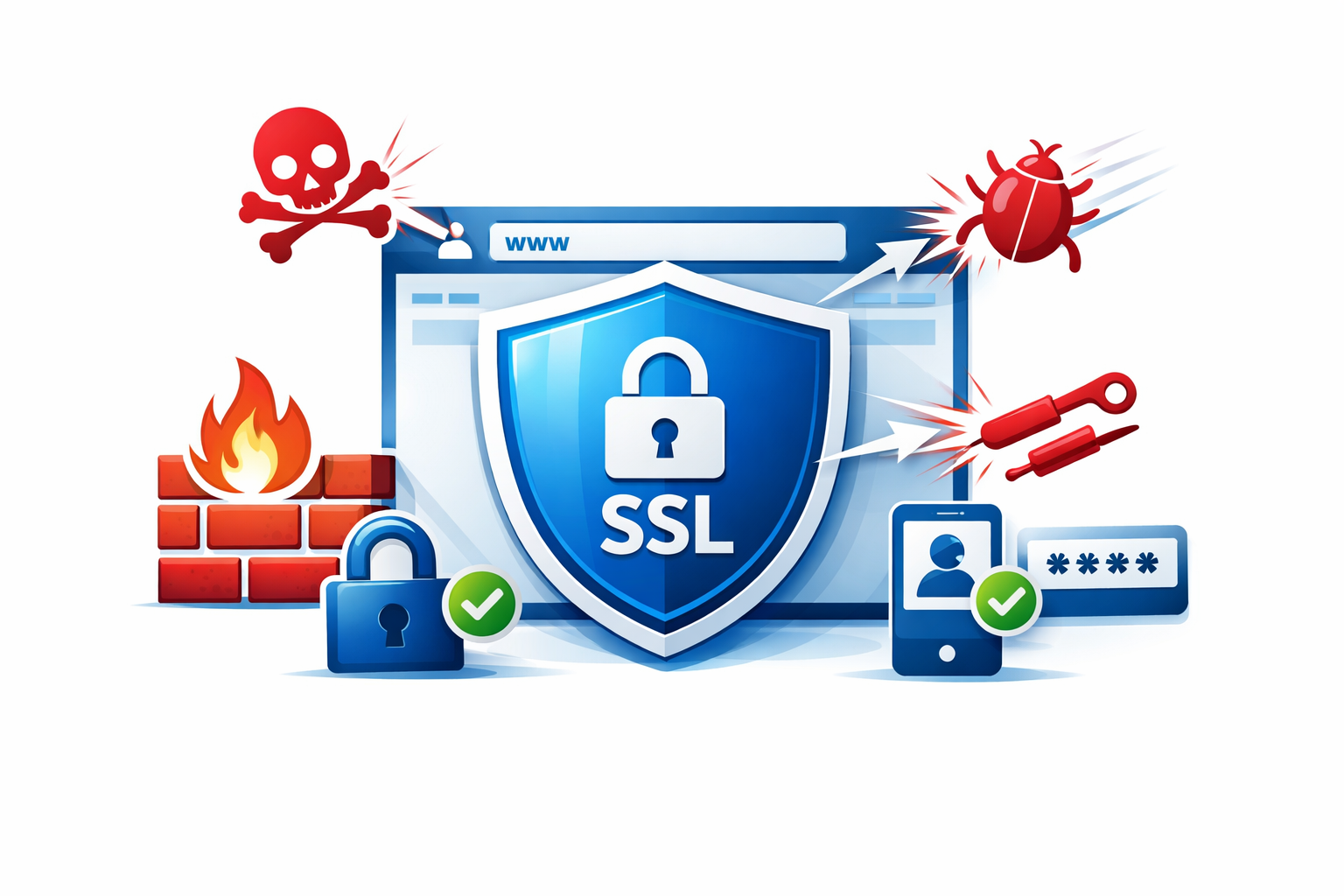
If your website still uses HTTP, fix this today. HTTPS encrypts data transmitted between your server and visitors' browsers, protecting sensitive information from interception.
Without HTTPS:
- Login credentials can be stolen on public WiFi
- Payment information travels in plain text
- Browsers show "Not Secure" warnings
- Search rankings suffer
- Customers lose trust
Getting HTTPS is now free and straightforward:
Let's Encrypt provides free SSL certificates. Most hosting providers offer one-click installation. Cloudflare offers free SSL as well. There's genuinely no excuse not to have it.
After enabling HTTPS:
- Redirect all HTTP traffic to HTTPS
- Update internal links to use HTTPS
- Update canonical URLs
- Check third-party resources use HTTPS too
Implement Strong Authentication
Weak login systems are low-hanging fruit for attackers. Strengthen authentication at every level.
Require strong passwords
Minimum requirements aren't enough. A password like "Password1!" meets typical requirements but falls to dictionary attacks in seconds. Consider:
- Minimum 12 characters
- Passphrase support (multiple words work better than complex single words)
- Checking against common password lists
- Real-time strength feedback
Enable two-factor authentication (2FA)
Even if someone steals a password, 2FA prevents access without the second factor. Implement it for:
- Admin accounts (mandatory)
- All user accounts (at minimum, offer it as option)
- API access
- Third-party service logins
Protect against brute force attacks
Attackers will try thousands of password combinations. Defend with:
- Account lockout after failed attempts (but be careful about denial of service)
- Progressive delays between attempts
- CAPTCHA challenges after suspicious activity
- IP-based rate limiting
- Monitoring and alerting on unusual patterns
Use secure session management
- Generate cryptographically random session IDs
- Set appropriate cookie flags (Secure, HttpOnly, SameSite)
- Expire sessions after reasonable inactivity
- Regenerate session IDs after login
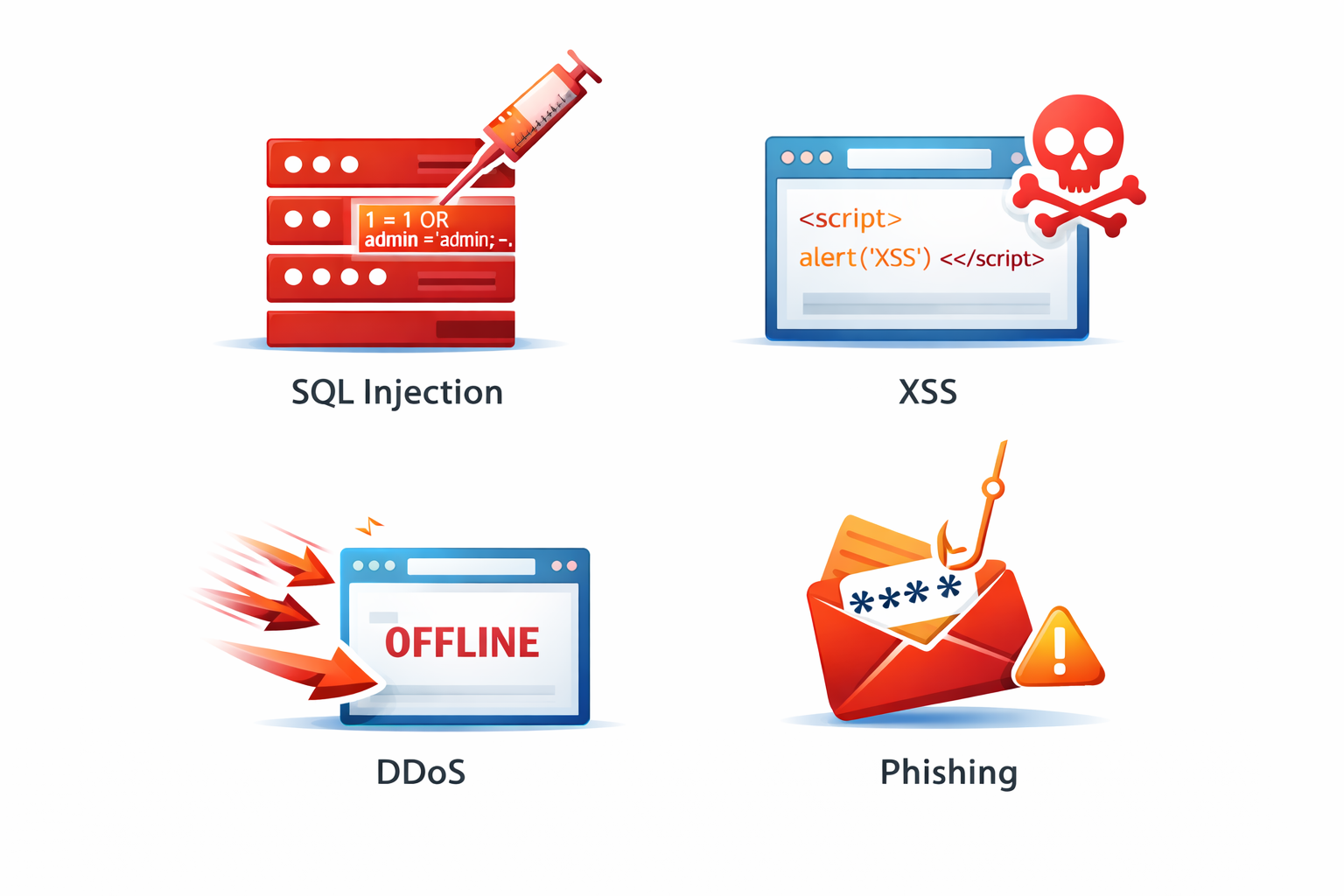
Validate and Sanitize All Input
Every piece of data coming from users—form fields, URL parameters, uploaded files, cookies—is a potential attack vector. Treat all input as potentially malicious until proven otherwise.
SQL Injection Prevention
Never construct SQL queries by concatenating user input. This is what attackers hope you do:
-- VULNERABLE
"SELECT * FROM users WHERE id = " + userInput

-- If userInput is "1; DROP TABLE users;--"
-- Your database just got deleted
Instead, use parameterized queries or prepared statements. Every modern database library supports them. ORMs typically handle this automatically, but verify.
Cross-Site Scripting (XSS) Prevention
XSS attacks inject malicious scripts into pages that other users view. Prevent with:
- Output encoding: Escape HTML entities when displaying user content
- Content Security Policy (CSP): Restrict which scripts can execute
- Input validation: Reject or sanitize suspicious input
- Use framework protections: Modern frameworks handle much of this automatically
File Upload Security
Uploaded files can contain malware or server-side code that executes on your system:
- Validate file types (check actual content, not just extensions)
- Rename files on upload (don't use user-provided names)
- Store uploads outside webroot
- Scan for malware
- Limit file sizes
- Restrict allowed types to minimum necessary
Keep Everything Updated
Outdated software is one of the most common vulnerabilities exploited by attackers. This applies to everything in your stack:
Content Management Systems
WordPress, Drupal, and similar platforms regularly patch security vulnerabilities. Delaying updates leaves known vulnerabilities open.
Plugins and Extensions
Third-party plugins are frequent attack vectors. Some best practices:
- Only install what you actually need
- Remove unused plugins completely
- Prefer plugins with active development and large user bases
- Subscribe to security announcements
Server Software
Operating system, web server (Apache, Nginx), PHP, databases—all need regular security updates. If you manage your own server, automate updates or schedule regular maintenance. If using managed hosting, verify your provider handles this.
Dependencies
Modern applications rely on dozens or hundreds of libraries. Tools like Dependabot, Snyk, or npm audit help identify vulnerable dependencies.
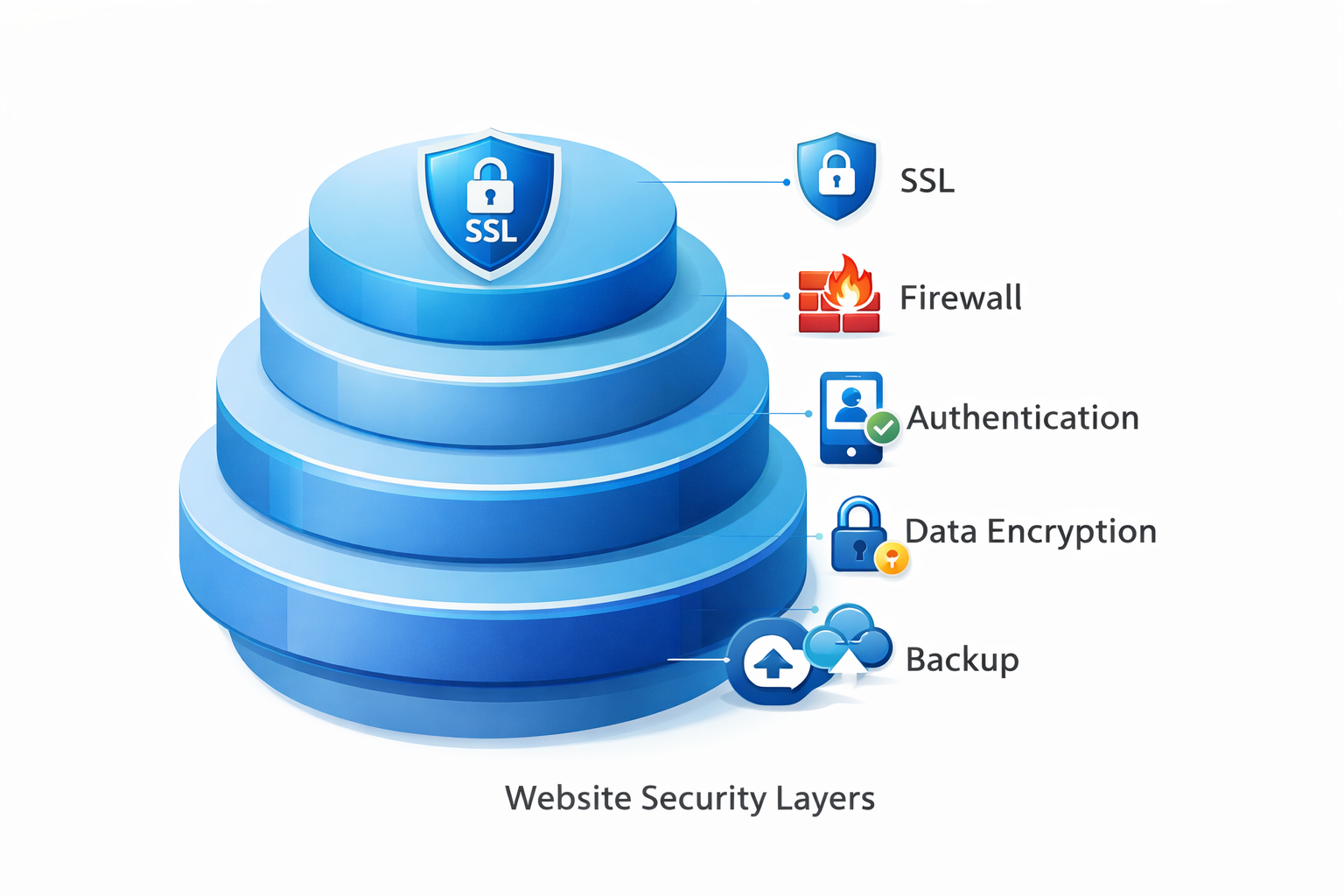
Implement Proper Access Controls
Not everyone needs access to everything. Limit permissions based on actual needs.
Principle of Least Privilege
Users and processes should have only the minimum access required for their functions:
- Database users shouldn't have DROP privileges unless truly needed
- Content editors don't need access to server settings
- Applications shouldn't run as root/administrator
Separate Admin and User Areas
- Use different authentication for admin areas
- Consider different subdomains or paths that can have stricter controls
- Monitor admin access more closely
Protect Sensitive Files
- Configuration files containing credentials shouldn't be web-accessible
- Error logs may expose information attackers can use
- Backup files left in webroot are common attack targets
- Development files (.git folders, .env files) should never be accessible
Set Up Security Headers
HTTP security headers instruct browsers to enforce additional protections. Configure these on your server:
Content-Security-Policy (CSP)
Controls which resources can load on your pages, preventing XSS and injection attacks.
X-Content-Type-Options: nosniff
Prevents browsers from MIME-sniffing content types, reducing certain attack vectors.
X-Frame-Options: SAMEORIGIN
Prevents your site from being embedded in iframes on other domains, blocking clickjacking attacks.
Referrer-Policy
Controls what information is sent in the Referer header, protecting user privacy and preventing information leakage.
Permissions-Policy
Restricts which browser features your site can use (camera, microphone, geolocation).
You can check your current security headers with tools like SecurityHeaders.com.
Regular Backups and Recovery Planning
When something goes wrong—whether attack, error, or hardware failure—backups are your safety net.
Backup best practices:
- Automate backups (daily minimum for active sites)
- Keep multiple backup versions
- Store backups off-site (different server, cloud storage)
- Include both files and database
- Test restoration regularly
Recovery planning:
- Document your recovery process before you need it
- Know how long restoration takes
- Have contact information for hosting and security providers
- Keep copies of critical credentials accessible but secure
When a breach occurs, quick restoration from clean backups minimizes damage and downtime.
Monitor and Detect
You can't protect against threats you don't see. Implement monitoring to detect problems early.
Log important events:
- Failed login attempts
- Password changes
- Admin actions
- File changes in critical directories
- Error patterns
Set up alerts:
- Multiple failed logins from same IP
- Logins from unusual locations
- File changes outside deployment windows
- Server resource anomalies
Consider security tools:
- Web application firewalls (WAF)
- Intrusion detection systems
- Malware scanning
- Vulnerability scanning
Many hosting providers and CDNs like Cloudflare offer security features included or as add-ons.
Additional Considerations
Use a Web Application Firewall (WAF)
A WAF filters malicious traffic before it reaches your application. It can block known attack patterns, suspicious requests, and bot traffic. Cloudflare, Sucuri, and AWS WAF are popular options.
Implement Rate Limiting
Limit how many requests any single user or IP can make in a given time period. This helps prevent brute force attacks, scraping, and denial of service attempts.
Secure Your Development Pipeline
Your production site is only as secure as your development and deployment process:
- Never commit credentials to version control
- Use separate environments for development, staging, production
- Limit who can deploy to production
- Review code for security issues
Have an Incident Response Plan
When a breach happens, you need to act quickly. Prepare ahead:
- Who gets notified?
- What's the immediate response?
- How do you assess the damage?
- What's the communication plan?
- What are legal/regulatory requirements?
Security is Ongoing
Website security isn't a project you complete—it's an ongoing practice. Threats evolve, new vulnerabilities are discovered, and attackers develop new techniques.
Build security habits into your workflow:
- Review security practices quarterly
- Stay informed about new vulnerabilities
- Update and patch regularly
- Test your defenses periodically
- Train your team on security awareness
The time and effort invested in security is insurance against the much greater costs of a breach.
Need help securing your website? Duo Dev Technologies builds secure web applications and can audit your existing site for vulnerabilities. Contact us to discuss your security needs.