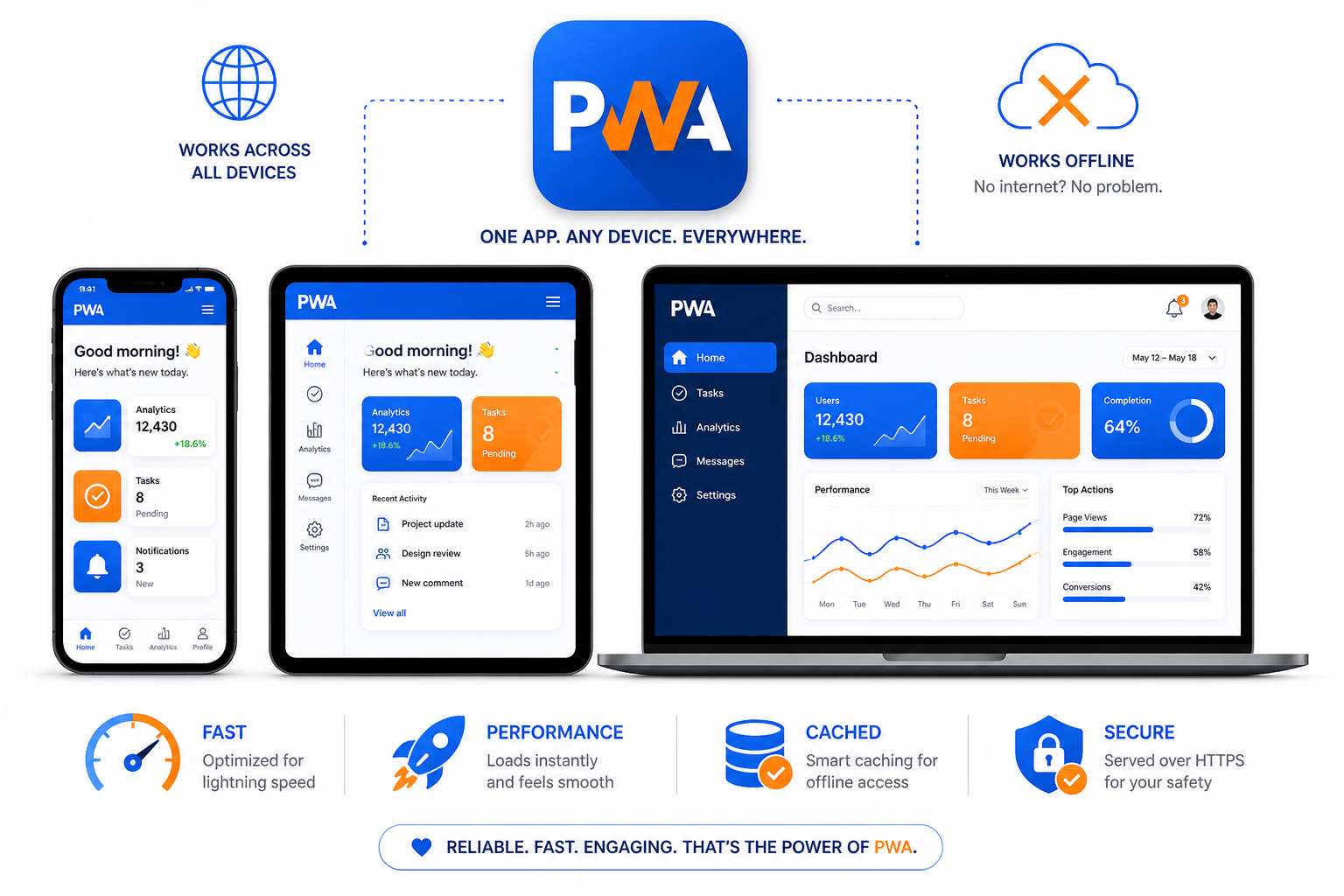
The line between websites and mobile apps keeps blurring. Progressive Web Apps sit right in that blur—web technologies delivering app-like experiences without requiring App Store downloads.
PWAs aren't new, but adoption has accelerated as browser capabilities expand and companies seek alternatives to maintaining separate web and native apps. Some major success stories exist: Twitter Lite, Pinterest, Starbucks. But PWAs aren't universally the right choice.
Understanding both the benefits and limitations helps you decide whether PWA architecture fits your project.
What Makes an App "Progressive"?
A Progressive Web App is a website that uses modern web capabilities to deliver app-like experiences. The term describes a set of characteristics, not a specific technology:
Progressive. Works for every user regardless of browser choice, using progressive enhancement principles.
Responsive. Fits any form factor: desktop, mobile, tablet.
Connectivity independent. Works offline or on low-quality networks through service workers.
App-like. Uses app-shell architecture, feels like an application rather than a website.
Fresh. Always up-to-date thanks to service worker update process.
Safe. Served via HTTPS to prevent tampering.
Discoverable. Identifiable as applications through web app manifests and service worker registration.
Re-engageable. Can send push notifications to re-engage users.
Installable. Users can add to home screen without app store friction.
Linkable. Easily shared via URL, no complex installation.
The technical requirements: HTTPS, a web app manifest, and a service worker. Beyond that, it's about how well you implement app-like features using web technologies.
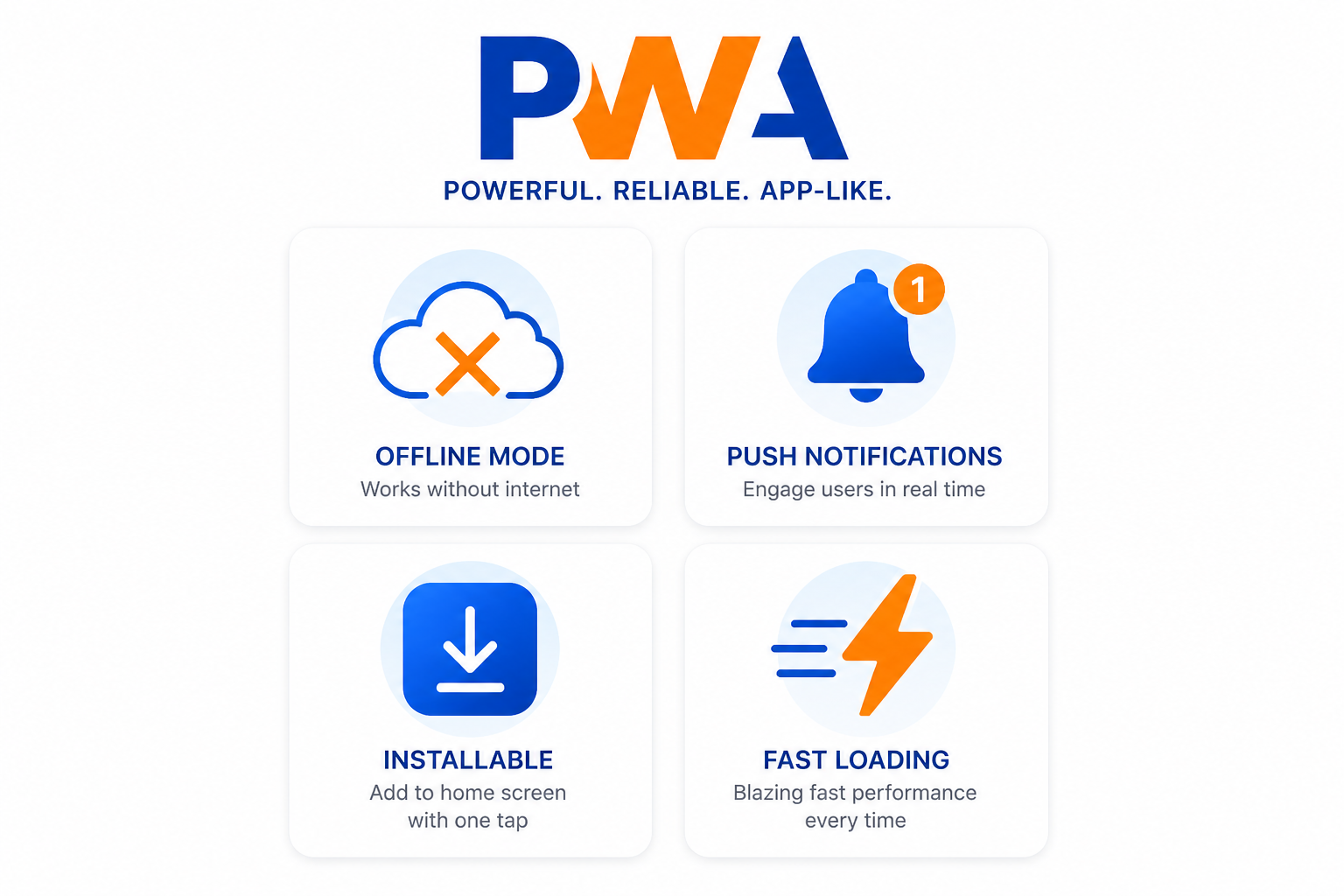
The Benefits of PWA Architecture
No App Store Gatekeeping
Publishing to Apple App Store or Google Play involves review processes, guidelines compliance, and waiting periods. Updates require re-review. Rejection is possible for various reasons.
PWAs bypass this entirely. You deploy updates to your server; users get them immediately. No approval process, no intermediary taking a percentage of transactions, no restrictions on content.
For businesses frustrated with app store policies, this is significant. For apps that can't meet app store requirements, it may be the only option.
Reduced Development Cost
Maintaining separate iOS app, Android app, and website means three codebases, three development tracks, three sets of bugs to fix.
A well-built PWA serves all platforms from one codebase. Changes propagate everywhere simultaneously. One team can manage everything.
The savings compound:
- Single codebase to maintain
- One deployment pipeline
- One set of tests
- One team with one technology stack
For startups and small teams, this efficiency matters enormously.
Lower Friction Installation
App store installation flow:
- Click "Get" / "Install"
- Wait for download
- Potentially wait for storage space
- App icon appears
- Open app
- Possibly create account
PWA installation flow:
- Browser prompts "Add to Home Screen"
- Click yes
- Icon appears
PWAs are typically much smaller than native apps (often under 1MB vs. tens or hundreds of MB). Installation is nearly instant. Users can try before committing.
This reduced friction increases conversions. Pinterest saw 60% increase in core engagement after implementing their PWA.
Offline Functionality
Service workers enable caching strategies that let PWAs work without network connectivity:
- Cache critical resources on first visit
- Serve cached content when offline
- Queue user actions for sync when connectivity returns
- Show meaningful offline states rather than error pages
For users on spotty connections—trains, planes, rural areas—this dramatically improves experience.
Instant Loading After First Visit
Service workers can cache your app shell and assets. Subsequent visits load from local storage, not the network. Even on slow connections, the app appears instantly.
This matters for engagement metrics. Users don't wait; the app is just there.
Web Platform Advantages
Because PWAs are fundamentally websites:
- Discoverable by search engines. SEO drives traffic directly to your app.
- Shareable via URL. Deep links work everywhere.
- No installation required. Users can access without commitment.
- Works everywhere. Any modern browser, any platform.
The Real Challenges
PWAs aren't magic. Significant limitations exist, and pretending otherwise leads to disappointment.
iOS Safari Limitations
Apple's support for PWA features has been inconsistent. While improving, iOS Safari lacks some capabilities Android browsers have had for years:
- Push notifications only arrived in Safari recently, with limitations
- Background sync is more limited
- Some APIs aren't implemented or work differently
- Service worker behavior has quirks
If your audience is heavily iOS, research current Safari PWA support carefully. Don't assume feature parity with Android.
Limited Device Access
Native apps can access device capabilities that PWAs cannot or can only partially access:
- Bluetooth – Limited web Bluetooth API
- NFC – Web NFC has restrictions
- Health sensors – Generally not accessible
- Full file system – Sandboxed access only
- Background processing – Very limited
- Contacts, calendar – Not directly accessible
If your app concept requires deep hardware integration, PWA probably isn't the right approach.
No App Store Presence
The no-gatekeeping benefit has a flipside: no app store discoverability. Users searching app stores for solutions won't find your PWA.
For brands with existing web traffic or marketing channels, this may not matter. For apps hoping app store browsing drives discovery, it's a significant loss.
Performance Ceiling
PWAs are ultimately running in a browser. While JavaScript engines have become impressively fast, they don't match native code for performance-intensive tasks.
Games, video editing, complex real-time processing—these push against PWA limits. You can build them, but performance may not satisfy users expecting native app responsiveness.
User Expectations
Users have mental models of "websites" and "apps" as different things. A PWA installed on their home screen might face app-level expectations while delivering web-level experiences.
Polish matters more for PWAs. You're competing with native app standards for perceived quality.
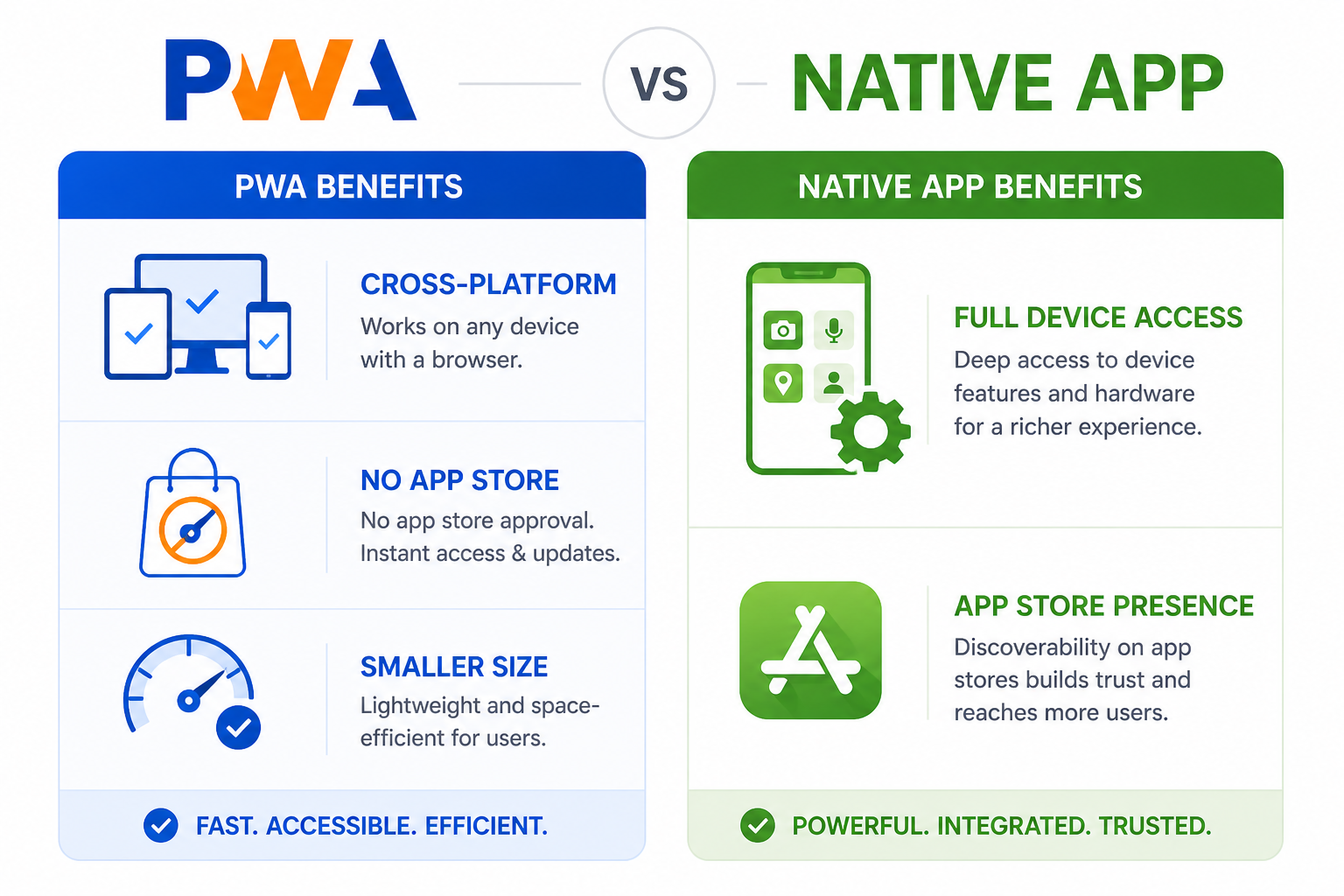
Technical Implementation Considerations
Service Worker Complexity
Service workers are powerful but add complexity:
- Different debugging experience than regular JS
- Caching strategies need careful design
- Cache invalidation is famously hard
- Version management requires attention
- Testing offline scenarios isn't trivial
Teams new to service workers face a learning curve.
Web App Manifest
The manifest file configures how your PWA appears when installed:
{
  "name": "My Application",
  "short_name": "MyApp",
  "start_url": "/",
  "display": "standalone",
  "background_color": "#ffffff",
  "theme_color": "#3b82f6",
  "icons": [
    {
      "src": "/icons/icon-192.png",
      "sizes": "192x192",
      "type": "image/png"
    },
    {
      "src": "/icons/icon-512.png",
      "sizes": "512x512",
      "type": "image/png"
    }
  ]
}
Getting icons right across platforms requires attention. Different platforms expect different sizes and formats.
Update Strategies
When you deploy updates, installed PWAs need to update their cached resources. This requires:
- Service worker update detection
- User communication about updates
- Decisions about when to apply updates (immediately? on next visit?)
- Cache versioning strategy
Poor update handling leads to users stuck on old versions or sudden jarring changes.
When PWA Makes Sense
✅ Content-focused applications. News, blogs, documentation, reference material.
✅ E-commerce. Product browsing, checkout, order tracking.
✅ Utility applications. Calculators, converters, productivity tools.
✅ Informational tools. Weather, sports scores, schedules.
✅ Communication platforms. Chat, social features (with notification limitations noted).
✅ Business applications. Dashboards, CRMs, internal tools.
✅ Projects with limited budgets. When native apps for multiple platforms aren't affordable.
When Native Is Better
❌ Hardware-intensive needs. AR/VR, complex gaming, professional audio/video.
❌ Deep device integration. Health tracking, IoT control, background processing.
❌ App store discovery is critical. Your marketing strategy depends on app store presence.
❌ iOS is primary platform. PWA experience on iOS is weaker.
❌ Maximum performance required. Native code still outperforms web.
Hybrid Approaches
You don't have to choose completely. Options include:
PWA first, native later. Launch PWA to validate concept quickly, build native apps when traction justifies investment.
PWA + native for specific platforms. PWA for most users, native app for iOS or for users needing specific features.
PWA features in existing website. Add service worker for offline, push notifications, home screen installation—even if you also have native apps.
Frameworks bridging both. Tools like Capacitor or PWA Builder can wrap PWAs into native containers, giving app store presence while sharing code.
Evaluating for Your Project
Questions to help decide:
-
What device capabilities do you need? If APIs don't exist for web, native is required.
-
Who is your audience? Heavy iOS users may have diminished PWA experience.
-
How do users discover you? App store presence important or not?
-
What's your development capacity? Single codebase significantly easier.
-
What are performance requirements? PWA good enough for your use case?
-
Does offline matter? PWAs excel here.
-
How fast do you need to iterate? PWA updates are instant; app store updates are slower.
No universally right answer exists. The best choice depends on your specific requirements, audience, resources, and goals.
Considering a PWA for your business? Duo Dev Technologies develops both progressive web apps and traditional web applications. Let's discuss which approach fits your project best.