Every developer's first projects are rough around the edges. That's completely normal. What separates developers who improve quickly from those who struggle is recognizing mistakes early and learning from them.
After working with numerous development teams and reviewing countless codebases, certain patterns emerge. The same mistakes appear again and again in beginner code—not because beginners aren't smart, but because nobody warned them. These issues aren't obvious until you've experienced the consequences firsthand.
This guide covers the mistakes we see most frequently. Some are technical, some are conceptual, and some are about approach. Understanding these early can save you months of headaches down the road.
Ignoring Mobile Responsiveness from the Start
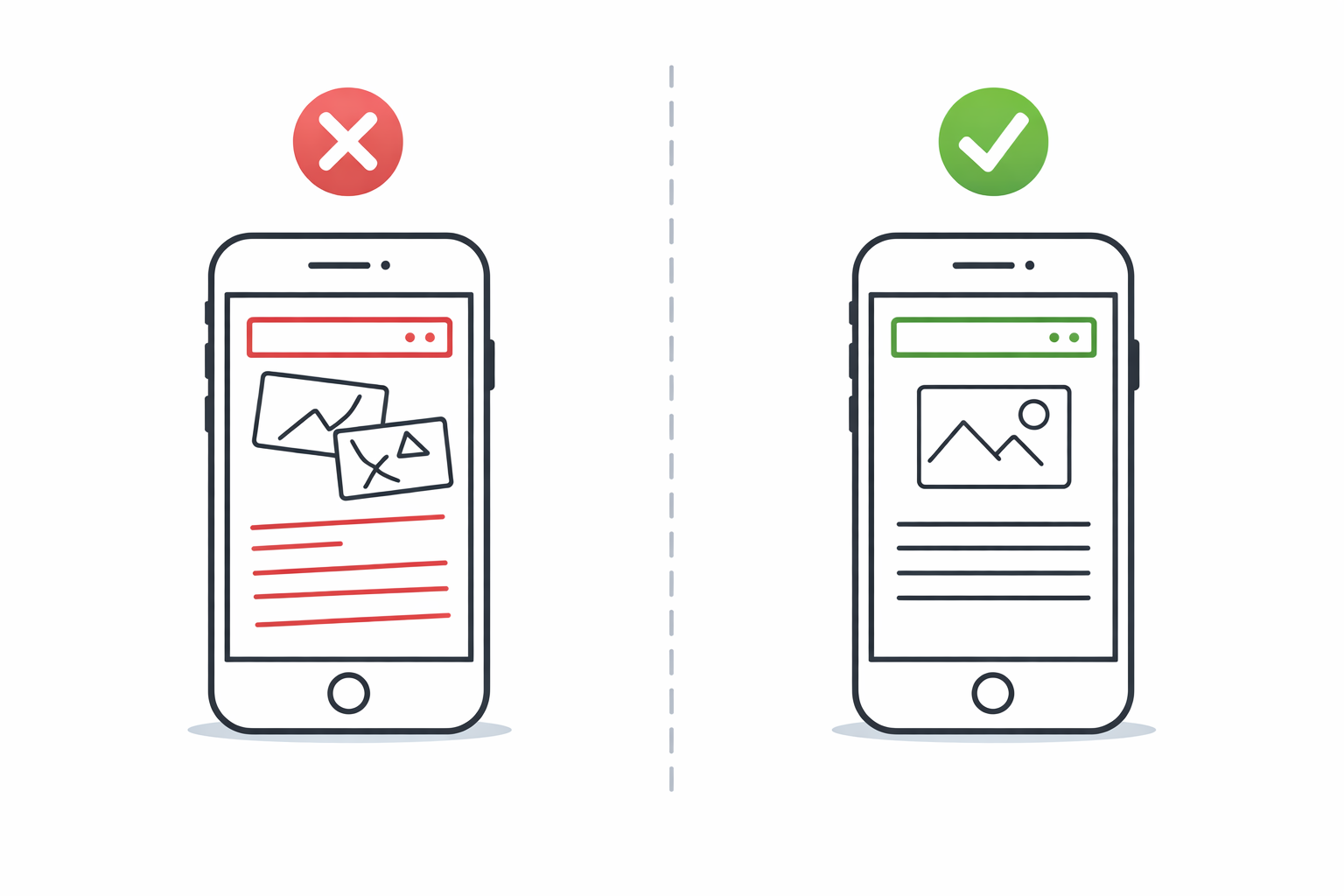
Building a website that looks perfect on your laptop screen feels great—until someone opens it on their phone and everything falls apart. This happens constantly because beginners design for what's in front of them.
Here's the uncomfortable truth: more than half of web traffic now comes from mobile devices. If your site doesn't work on phones, you've already lost the majority of your potential users.
The mistake usually happens like this:
- You build the desktop version first
- You finish and feel accomplished
- Someone tests on mobile
- Everything's broken—overlapping text, images stretching weirdly, buttons impossible to tap
- You spend twice as long fixing mobile than you spent building originally
The better approach: Start with mobile designs first. Make sure content works on the smallest screens, then expand for larger ones. This forces you to prioritize what actually matters and prevents "we'll fix mobile later" from becoming a nightmare.
Practical tips:
- Use responsive units (%, em, rem, vh, vw) instead of fixed pixels
- Test on actual devices, not just browser developer tools
- Set proper viewport meta tags from day one
- Use CSS media queries consistently
- Consider frameworks like Tailwind or Bootstrap that handle responsiveness well
Not Optimizing for Performance
Nobody likes waiting. Studies show users start abandoning pages that take more than 3 seconds to load. Beginners often don't realize how sluggish their sites are because they're testing on fast connections with content cached locally.
Common performance killers we see:
Massive, uncompressed images. That 5MB photograph might look nice, but it takes forever to load. Compress images, use appropriate formats (WebP is excellent), and serve different sizes for different screens.
Loading everything upfront. Your homepage doesn't need to load JavaScript for features only used on the checkout page. Learn about lazy loading and code splitting.
Too many HTTP requests. Each separate file (CSS, JS, images) requires a round trip to the server. Bundle where it makes sense.
Unminified code. Development code with comments and readable formatting is larger than it needs to be. Minify for production. Our code minification tools can help automate this process.
No caching strategy. If nothing changes, visitors shouldn't re-download the same files every visit.
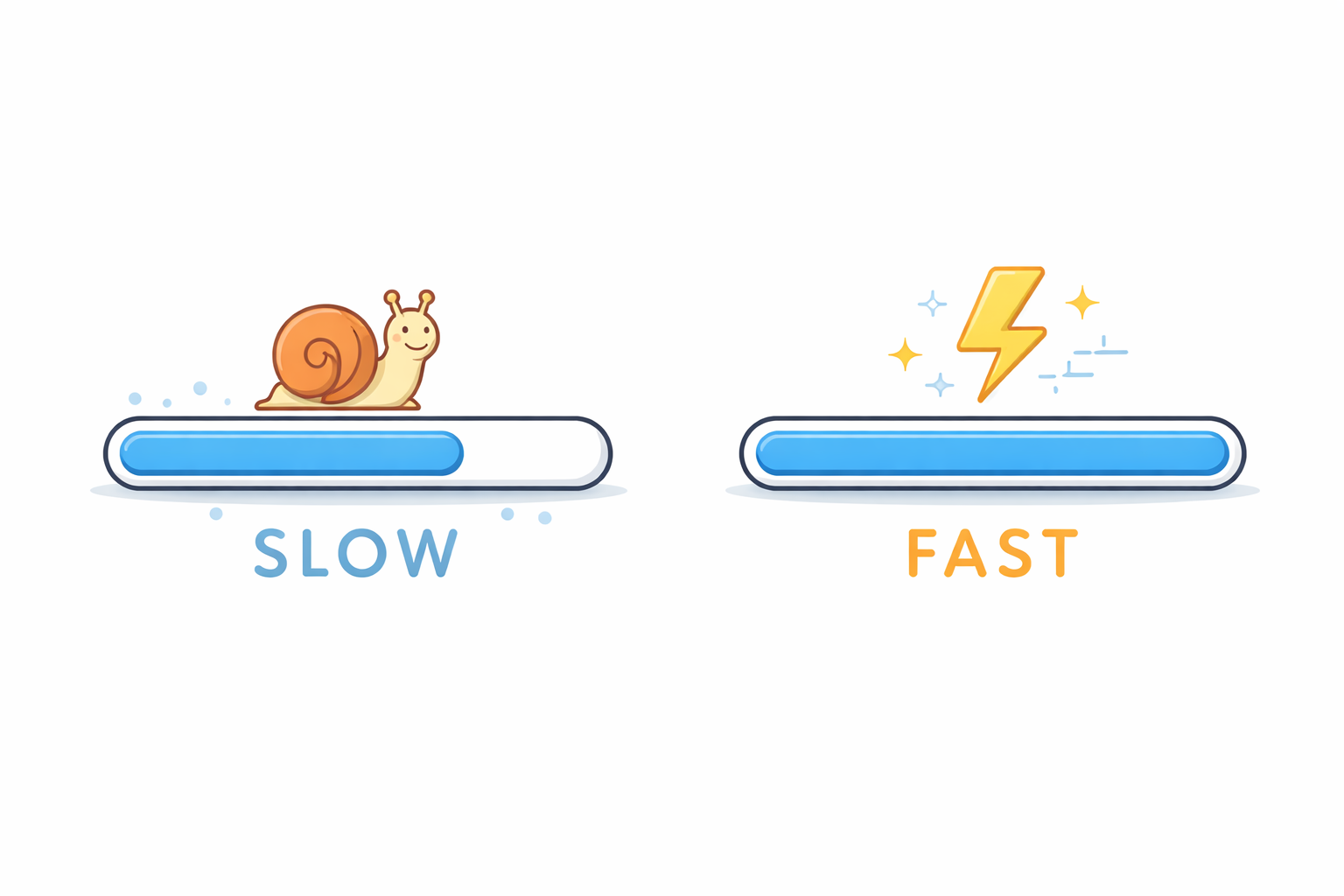
A useful exercise: Run your site through Google PageSpeed Insights or Lighthouse. The scores might be humbling, but the recommendations are actionable.
Writing Non-Semantic HTML
HTML tags exist for a reason. Using <div> for everything technically works, but it creates problems:
Accessibility suffers. Screen readers rely on semantic tags to understand page structure. A page full of <div> elements tells them nothing useful.
SEO takes a hit. Search engines use semantic structure to understand content importance and relationships. They treat <nav>, <main>, <article>, and <header> differently than generic containers.
Maintenance becomes harder. Coming back to your own code months later, <div class="thing-wrapper"> is much harder to understand than <article>.
Instead of:
<div class="header">
  <div class="nav">
    <div class="nav-item">Home</div>
  </div>
</div>
Use:
<header>
  <nav>
    <a href="/">Home</a>
  </nav>
</header>
The semantic version is actually shorter, more readable, and more meaningful to browsers and assistive technology.
Key semantic elements to know:
<header>,<footer>,<nav>for page structure<main>for primary content<article>for self-contained content pieces<section>for thematic grouping<aside>for related but tangential content<figure>and<figcaption>for images with captions
Hardcoding Values That Should Be Variables
Beginners often scatter magic numbers and strings throughout their code. The same color appears in fifteen different places. The same API URL is typed out in every function that needs it. Configuration values hide inside business logic.
This creates two problems:
Changes require hunting. Need to update the primary color? Good luck finding every place it appears. Missed one? Now your UI has inconsistent colors.
Understanding becomes difficult. What does if (items.length > 47) mean? Why 47? If you used if (items.length > MAX_CART_ITEMS), the code explains itself.
The fix is simple: extract values into variables, constants, or configuration files.
/* Instead of */
.button { background: #3b82f6; }
.link { color: #3b82f6; }
.border { border-color: #3b82f6; }

/* Use CSS variables */
:root { --primary-color: #3b82f6; }
.button { background: var(--primary-color); }
.link { color: var(--primary-color); }
.border { border-color: var(--primary-color); }
Now changing the primary color means updating one line instead of searching through entire files.
Neglecting Security Basics
Security isn't sexy. It's easy to postpone when you're trying to make features work. But security mistakes can have serious consequences, and they're often trivial for attackers to exploit.
Never trust user input. This is rule number one. Anything coming from users—form submissions, URL parameters, uploaded files—must be validated, sanitized, and treated as potentially malicious.
Common security mistakes:
❌ Storing passwords in plain text. Always hash passwords using proper algorithms (bcrypt, Argon2). Never use MD5 or SHA1 for passwords—they're not designed for this purpose.
❌ SQL injection vulnerabilities. Building SQL queries by concatenating user input is asking for trouble. Use parameterized queries or ORMs that handle this automatically.
❌ Missing HTTPS. In 2026, there's no excuse for not using HTTPS. It's free with Let's Encrypt and essential for any site handling user data.
❌ Exposing sensitive data in client-side code. API keys, database credentials, internal URLs—if it's in JavaScript that ships to the browser, assume attackers can see it.
❌ No rate limiting. Without limits, attackers can brute-force logins, spam forms, or overwhelm your server with requests.
Security requires ongoing attention, not a one-time fix. We've written more about this in our website security guide.
Skipping Version Control
"I'll set up Git later" is famous last words. Beginners often work directly on files, making changes without any way to revert them or track history.
Then disaster strikes:
- You delete something important and can't get it back
- You break working code and don't remember what you changed
- You want to try something experimental but don't want to ruin your current work
- Multiple people need to work on the same project
Git solves all of these problems. Learning it might seem like a distraction when you're eager to build things, but it's fundamental to professional development.
At minimum, learn:
- How to initialize a repository
- How to commit changes with meaningful messages
- How to create and merge branches
- How to push to and pull from remote repositories
Your future self will thank you when you can see exactly what changed three months ago and why.
Writing Code Before Understanding the Problem
Jumping straight into code feels productive. But coding without a clear understanding of requirements leads to:
- Building features nobody asked for
- Missing important edge cases
- Having to rewrite when requirements become clearer
- Creating solutions that don't actually fit the problem
Before writing code, spend time understanding:
-
What problem are you solving? Not what features you're building, but what underlying problem exists.
-
Who is this for? Different users have different needs. A solution for tech-savvy developers looks different than one for everyday consumers.
-
What are the constraints? Budget, timeline, technical limitations, integration requirements—these shape viable solutions.
-
What does success look like? How will you know when you're done? What makes the solution good versus just functional?
Even 30 minutes of thinking before coding can save hours of going down wrong paths.
Not Testing Properly
"It works on my machine" isn't testing. Beginners often check that code works in the happy path—when everything goes right—and call it done.
Real testing considers:
Edge cases. What happens with empty inputs? Really long strings? Negative numbers? Special characters? Dates in the past or far future?
Error scenarios. What if the network fails? The database is unavailable? The user enters invalid data? An API returns unexpected responses?
Different environments. Other browsers, devices, screen sizes, operating systems. Older devices. Slow connections.
User behavior. People don't use software the way developers expect. They click things twice, navigate in unexpected orders, abandon processes halfway through.
You don't need comprehensive test suites for every project. But at minimum:
- Test manually in multiple browsers
- Try to break your own code
- Have someone unfamiliar with the project try using it
- Test on real mobile devices, not just simulators
Overcomplicating Early Solutions
There's a tendency among beginners to reach for complex solutions prematurely. Microservices when a monolith would work. Custom frameworks when established ones exist. Distributed databases when a simple PostgreSQL instance handles the load.
The resulting systems are:
- Harder to understand and maintain
- More likely to have bugs
- Slower to develop features for
- Expensive to operate
Simple solutions aren't primitive—they're often the mark of experienced developers who've learned what complexity actually costs.
Start simple. Add complexity when you have concrete reasons to, not because a blog post made something sound impressive.
Questions to ask before adding complexity:
- Does this solve a problem I actually have right now?
- What's the maintenance cost of this approach?
- Could I solve this with a simpler alternative?
- Am I adding this because it's genuinely needed or because I want to learn it?
Poor Error Handling
Beginners often write code assuming everything works. Then when something fails, the application crashes cryptically or produces confusing behavior.
Good error handling means:
Failing gracefully. Users should see helpful error messages, not stack traces or blank screens.
Logging appropriately. When errors occur, capture enough information to diagnose the problem. Include context, timestamps, and relevant data.
Recovering when possible. Some errors are recoverable. A failed network request might succeed on retry. An invalid input can prompt the user to correct it.
Not swallowing errors silently. Catching exceptions and doing nothing makes debugging nearly impossible. If you catch an error, handle it meaningfully.
// Don't do this
try {
  await saveData();
} catch (e) {
  // nothing happens - problems are hidden
}

// Do this instead
try {
  await saveData();
} catch (error) {
  logger.error('Failed to save data', { error, userId, data });
  showUserMessage('Unable to save. Please try again.');
}
Moving Forward
Recognizing these mistakes is the first step. The next step is building habits that prevent them:
- Always test on mobile early
- Run performance checks regularly
- Use semantic HTML by default
- Set up version control before writing code
- Think through requirements before implementing
- Handle errors explicitly
Every experienced developer made these mistakes at some point. What made them experienced is learning from those mistakes and building better practices over time.
At Duo Dev Technologies, we help teams establish solid development foundations. Whether you're building your first web application or improving existing practices, we can help you avoid the pitfalls that slow projects down.
Learning web development? We offer development services and consulting to help teams build better applications. Get in touch to discuss your project.