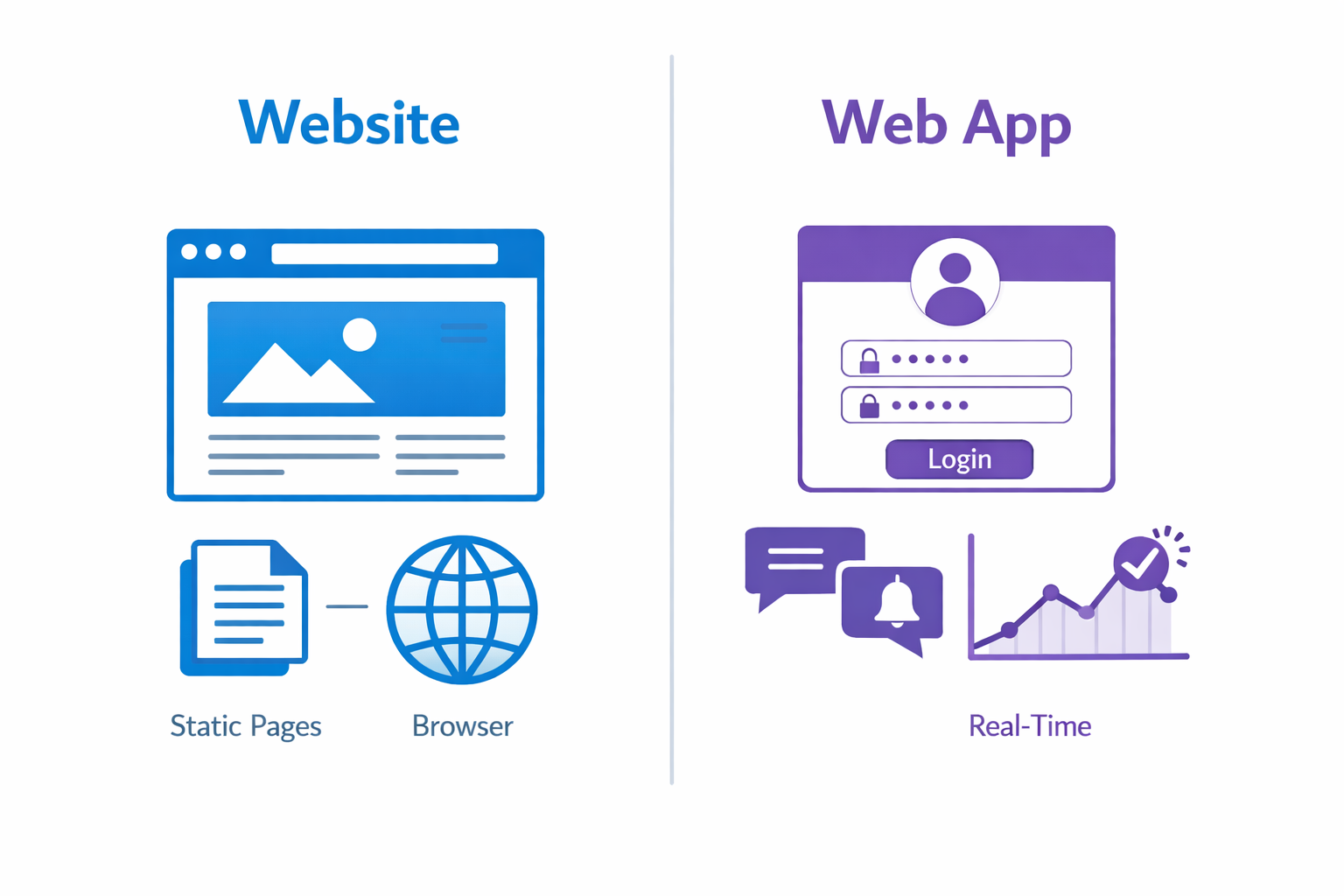
People use "website" and "web app" interchangeably, but they're actually different things. Understanding the difference matters when you're planning a project—whether you're hiring developers, estimating budgets, or setting expectations.
Both run in browsers. Both use HTML, CSS, and JavaScript. But that's where the similarities end. The underlying purpose, architecture, complexity, and user interaction models diverge significantly.
Let's break down what separates a website from a web application, and when each is the right choice.
What Makes Something a Website?
Websites are primarily informational. Their main job is to present content to visitors—text, images, videos, documents. Users consume content more than they create or manipulate it.
Classic examples of websites:
- Company brochure sites describing services
- News and media publications
- Blogs and content portfolios
- Restaurant sites with menus and hours
- Event pages with schedules and information
Characteristics of typical websites:
Content-focused. The value comes from the information presented. Design and content are the product.
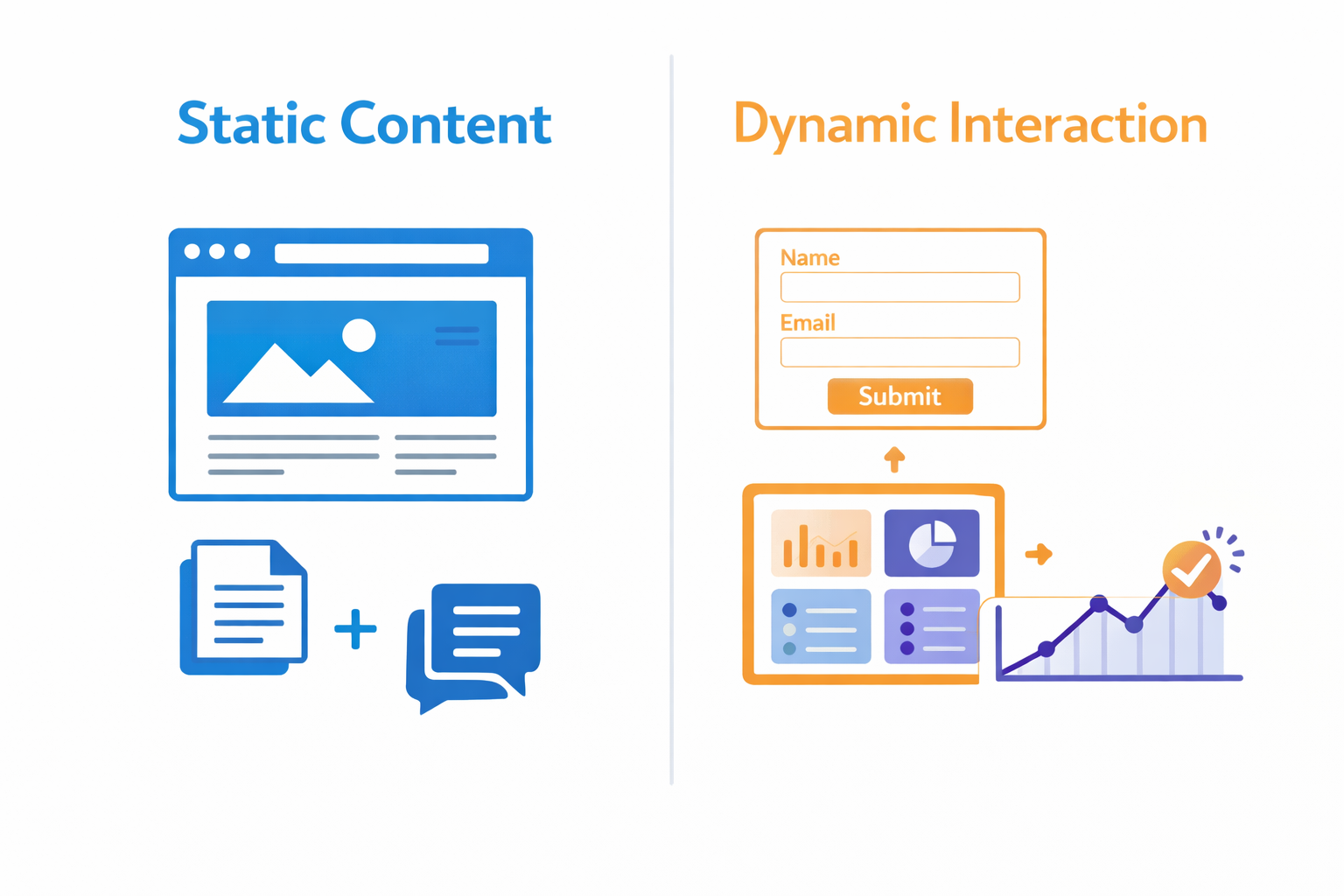
Limited interaction. Users might fill out a contact form, search content, or click links, but they're not creating, editing, or managing data.
Mostly read-only. The same content displays for most visitors. Personalization is minimal or absent.
Server renders pages. Traditional websites generate HTML on the server. Each page request returns complete HTML documents.
Navigation-based. Users move through pages following links. The experience is document-oriented rather than application-oriented.
This doesn't mean websites are "lesser than" web applications. Many successful businesses run entirely on well-designed websites. The difference is in purpose and complexity, not value.
What Makes Something a Web Application?
Web applications are interactive software that happens to run in a browser. Users don't just consume content—they create, edit, manage, and collaborate on data.
Examples of web applications:
- Gmail, Google Docs (productivity)
- Trello, Asana (project management)
- Figma (design collaboration)
- Banking portals (financial management)
- E-commerce backends (inventory, orders)
- Social media platforms (content creation, interaction)
- SaaS products in general
Characteristics of typical web applications:
Functionality-focused. The value comes from what users can accomplish. The application is a tool.
High interaction. Users create, update, delete, and manipulate data constantly. The interface responds to user actions in complex ways.
Personalized experiences. Different users see different content based on their data, permissions, and preferences.
State management matters. Applications track user sessions, in-progress actions, real-time updates, and complex data relationships.
Client-side logic. Modern web apps run significant code in the browser using JavaScript frameworks. Updates happen without full page reloads.
Side-by-Side Comparison
| Aspect | Website | Web Application |
|---|---|---|
| Primary purpose | Inform and present | Enable actions and tasks |
| User role | Consumer | Active participant |
| Interaction | Read-mostly | Create, read, update, delete |
| Authentication | Rarely required | Usually required |
| Personalization | Minimal | Extensive |
| Data flow | Server to user | Bidirectional |
| Complexity | Lower | Higher |
| Examples | Blogs, portfolios | Gmail, Trello, banking |
The Technical Differences
Beyond conceptual differences, websites and web applications often differ technically.
Technology Stacks
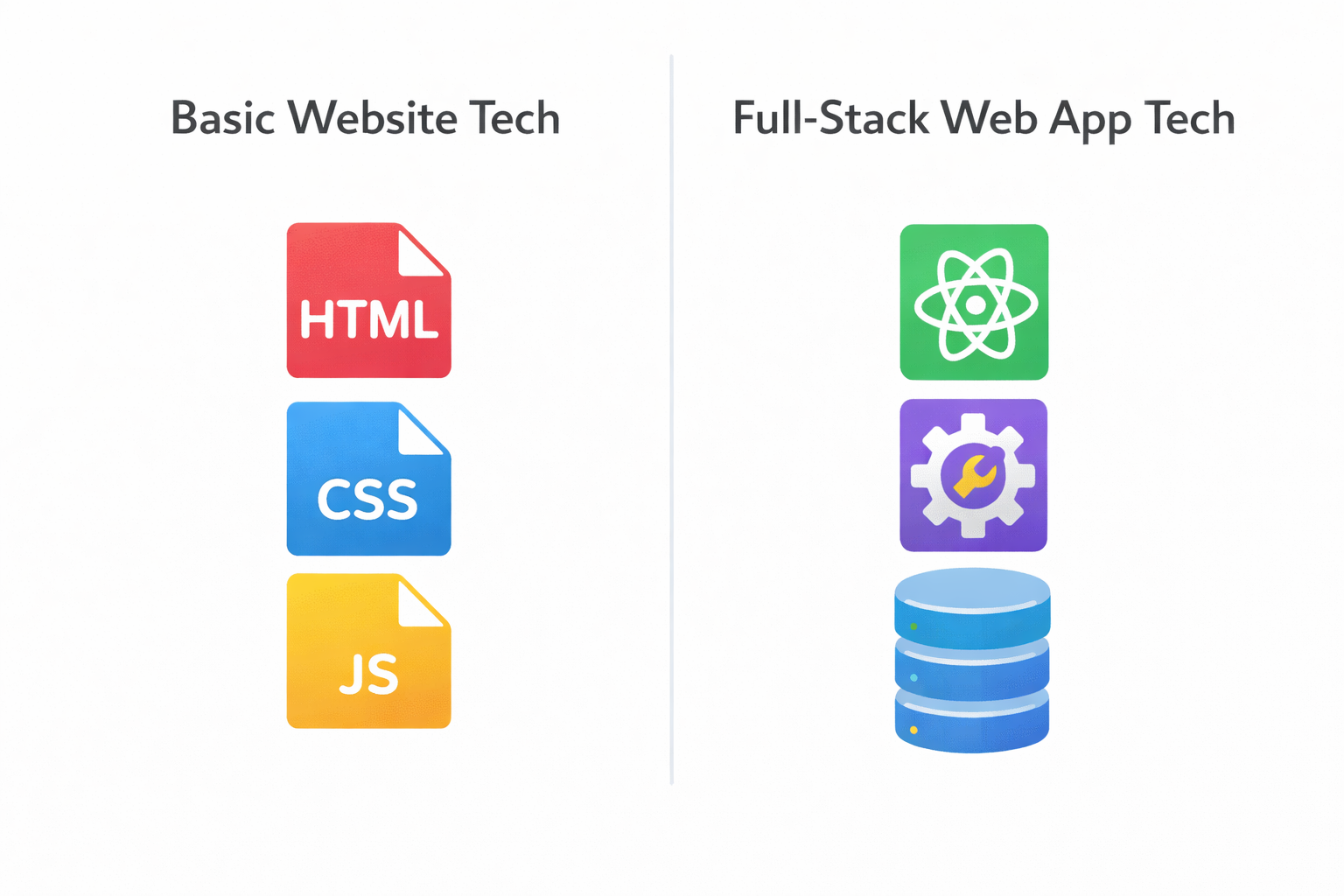
Websites can be quite simple technically:
- Static HTML, CSS, JavaScript
- Content management systems (WordPress, Squarespace)
- Static site generators (Hugo, Jekyll, Next.js in SSG mode)
- Basic server-side rendering
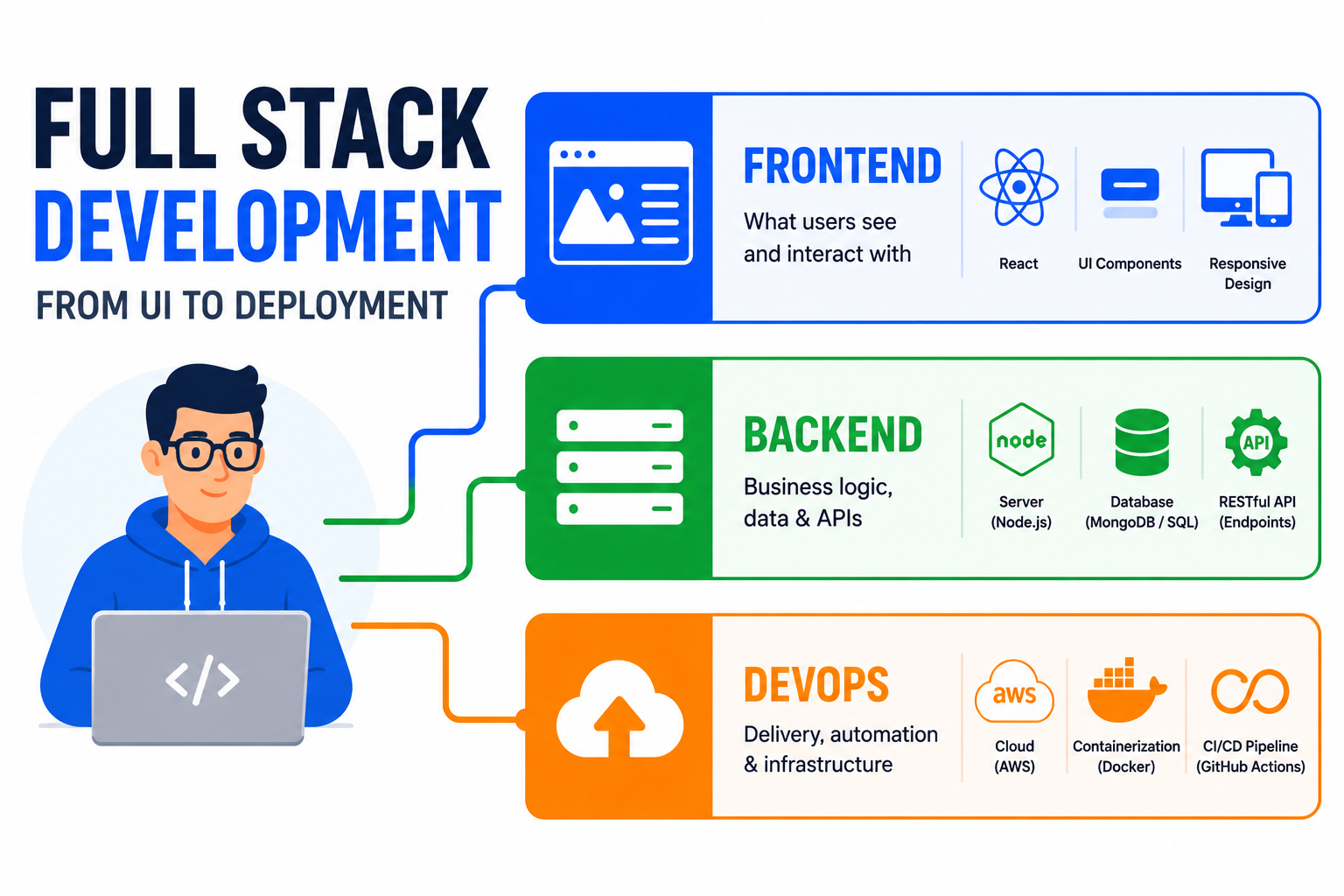
Web applications typically require:
- Frontend frameworks (React, Vue, Angular)
- Backend servers with APIs (Node.js, Django, Laravel)
- Databases for user data (PostgreSQL, MongoDB)
- Authentication systems
- Real-time communication (WebSockets)
- Background job processing
- More sophisticated hosting infrastructure
Architecture Patterns
Websites often follow simple request-response patterns. User requests page, server returns HTML, browser displays it. Even with CMSs adding complexity, the fundamental pattern stays straightforward.
Web applications frequently use:
- Single-page application (SPA) architecture
- REST or GraphQL APIs separating frontend and backend
- Microservices for different functionality
- Event-driven systems for real-time features
- Caching layers for performance
- CDNs for static assets
Development Effort
A basic website can be built in days. A professional business website might take weeks. But fundamentally, websites are faster to build and launch.
Web applications are software projects. Even "simple" web apps require proper architecture, user management, data validation, error handling, security hardening, and ongoing maintenance. Development timelines are measured in months, not days.
At Duo Dev Technologies, we've built both—and the project planning, team composition, and timelines are substantially different.
The Gray Area
Not everything fits neatly into categories. Modern web development has blurred the line:
E-commerce sites present product content (website-like) but also handle checkout processes, user accounts, and order management (app-like).
Blogs with membership features show content publicly but offer logged-in experiences with saved preferences and commenting.
Marketing sites with interactive tools are mostly informational but include calculators, configurators, or assessment tools.
Content platforms like Medium are websites for readers but web applications for writers.
The distinction is a spectrum rather than a binary. Some projects sit clearly on one end; others live in between.
Choosing the Right Approach
How do you decide which to build? Start by clarifying what you need:
Build a website if:
✅ Your primary goal is presenting information
✅ Users don't need accounts or login
✅ You want to be found through search engines
✅ Budget and timeline are limited
✅ Content updates are the main ongoing work
Build a web application if:
✅ Users need to create, manage, or manipulate data
✅ Personalization is essential
✅ You're solving a workflow or productivity problem
✅ Real-time features or collaboration are required
✅ User accounts and authentication are core
Sometimes you need both:
A company might have a marketing website (duodev.in) and separate web application products (ToolByte, Cazhoo). The website attracts visitors and explains offerings; the applications deliver actual functionality.
Common Mistakes
Overbuilding a website. Using complex SPA frameworks for a simple brochure site adds unnecessary complexity, hurts SEO, and slows development. Static sites or simple CMSs work better for pure content.
Underbuilding an application. Trying to force interactive, data-driven features into a CMS designed for content leads to maintenance nightmares. If users need to do things, not just read things, you need proper application architecture.
Ignoring SEO needs. Traditional SPAs struggle with search engine optimization. If organic traffic matters, consider server-side rendering, hybrid approaches, or traditional multi-page architecture.
Treating web apps like websites. Web applications need ongoing maintenance, security updates, monitoring, and infrastructure management that websites typically don't require.
Project Planning Implications
Understanding which you're building affects the entire project:
Websites:
- Shorter discovery and planning phase
- Focus on content strategy and design
- Development is front-loaded
- Ongoing work is primarily content updates
- Hosting is simple and cheap
Web Applications:
- Extended discovery to define functionality
- User experience research is critical
- Development cycles with iterative refinement
- Ongoing feature development and bug fixes
- Infrastructure needs grow with usage
Setting expectations appropriately prevents disappointment. A web application project won't deliver in two weeks no matter how "simple" it seems at first glance.
When Static Becomes Dynamic
Modern web development offers hybrid approaches that start simple and add complexity as needed.
JAMstack architecture lets you build fast, static sites that can add dynamic features through APIs. Your marketing pages render as static HTML, but contact forms, search, and user-generated content work through serverless functions and third-party services.
Incremental Static Regeneration updates static content automatically without full rebuilds. Great for sites with frequently changing content that don't need real-time dynamism.
Headless CMS separates content management from presentation. Editors use a familiar interface while developers have flexibility in how content displays.
These approaches let you start with website simplicity and evolve toward application complexity as needs arise.
Final Thoughts
The website vs. web application distinction matters because it shapes expectations, budgets, timelines, and technical decisions. A project scoped as one but actually requiring the other creates problems for everyone involved.
If you're presenting content to audiences: that's a website. Optimize for findability, readability, and performance.
If you're enabling users to accomplish tasks: that's a web application. Optimize for usability, reliability, and functionality.
Many projects combine elements of both. That's fine—just be clear about which aspects are which, and plan accordingly.
Need help building a website or web application? Duo Dev Technologies develops both, from simple marketing sites to complex SaaS platforms. Let's discuss what your project actually needs.