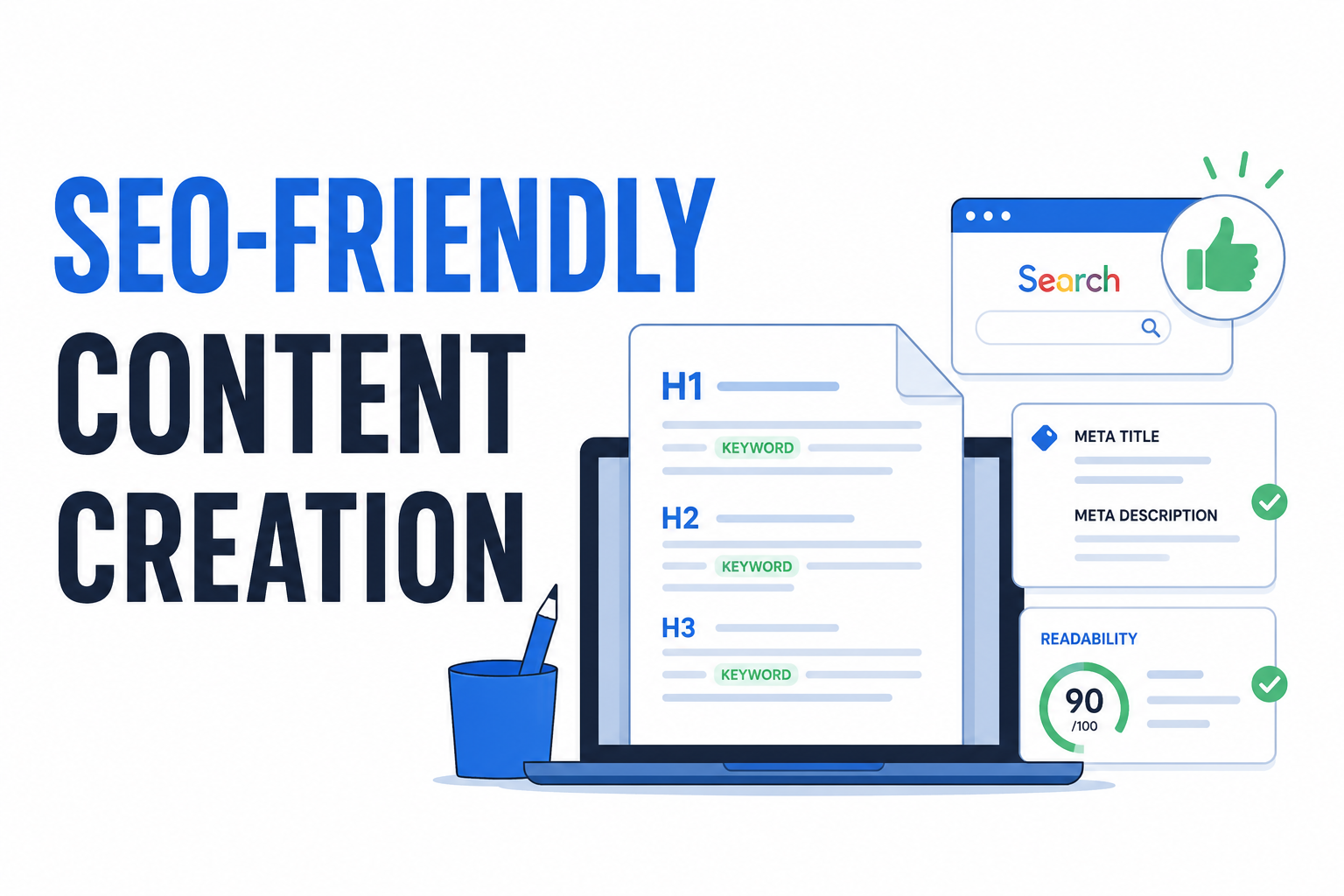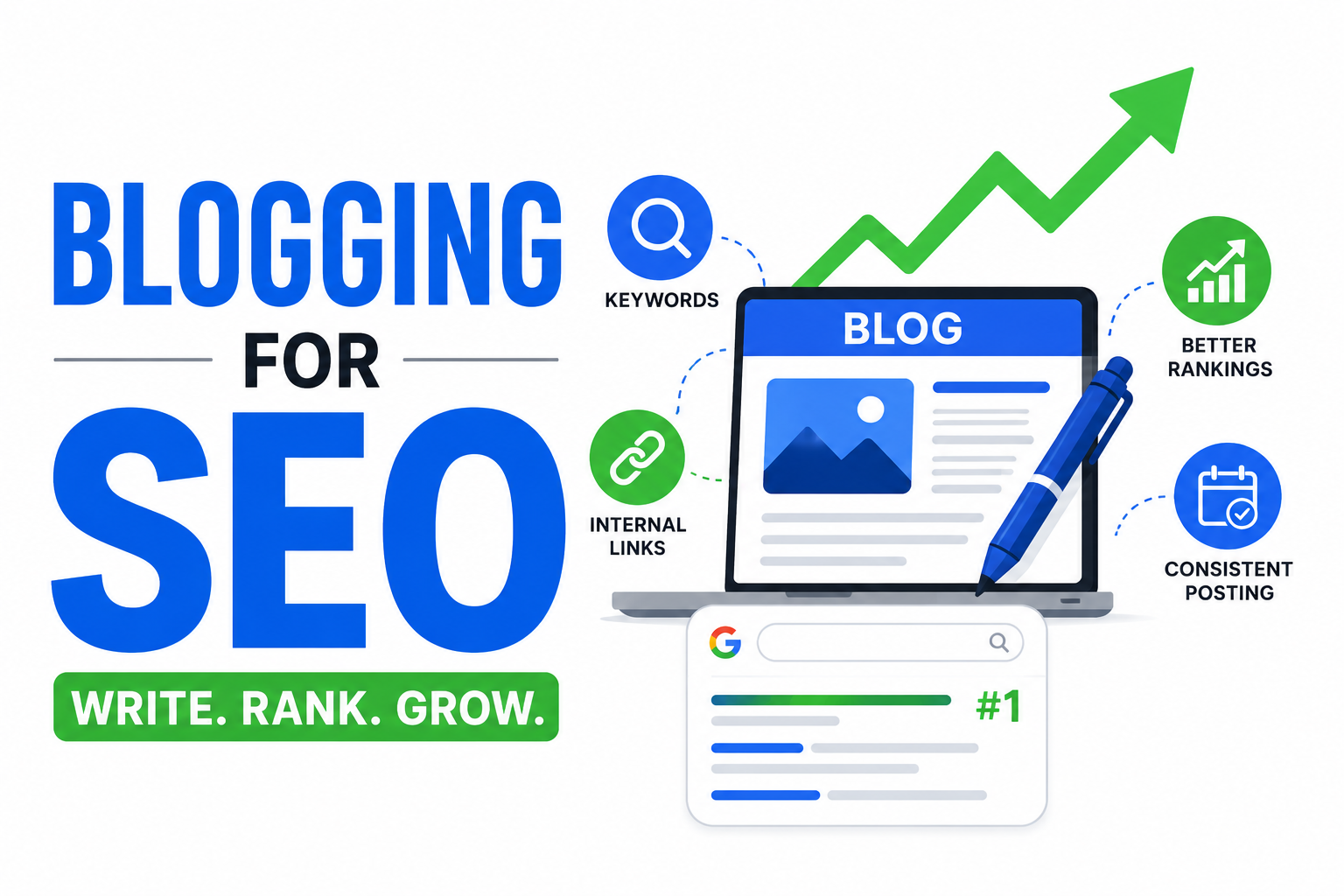
On-page SEO is everything you can control directly on your website to improve search rankings. Unlike off-page factors like backlinks, you have complete authority over on-page elements. And yet, many websites leave obvious opportunities on the table.
This checklist covers the essential on-page optimizations for 2026. Some are basics that never change. Others reflect how search engines have evolved. Go through each section and identify where your pages could improve.
Title Tags
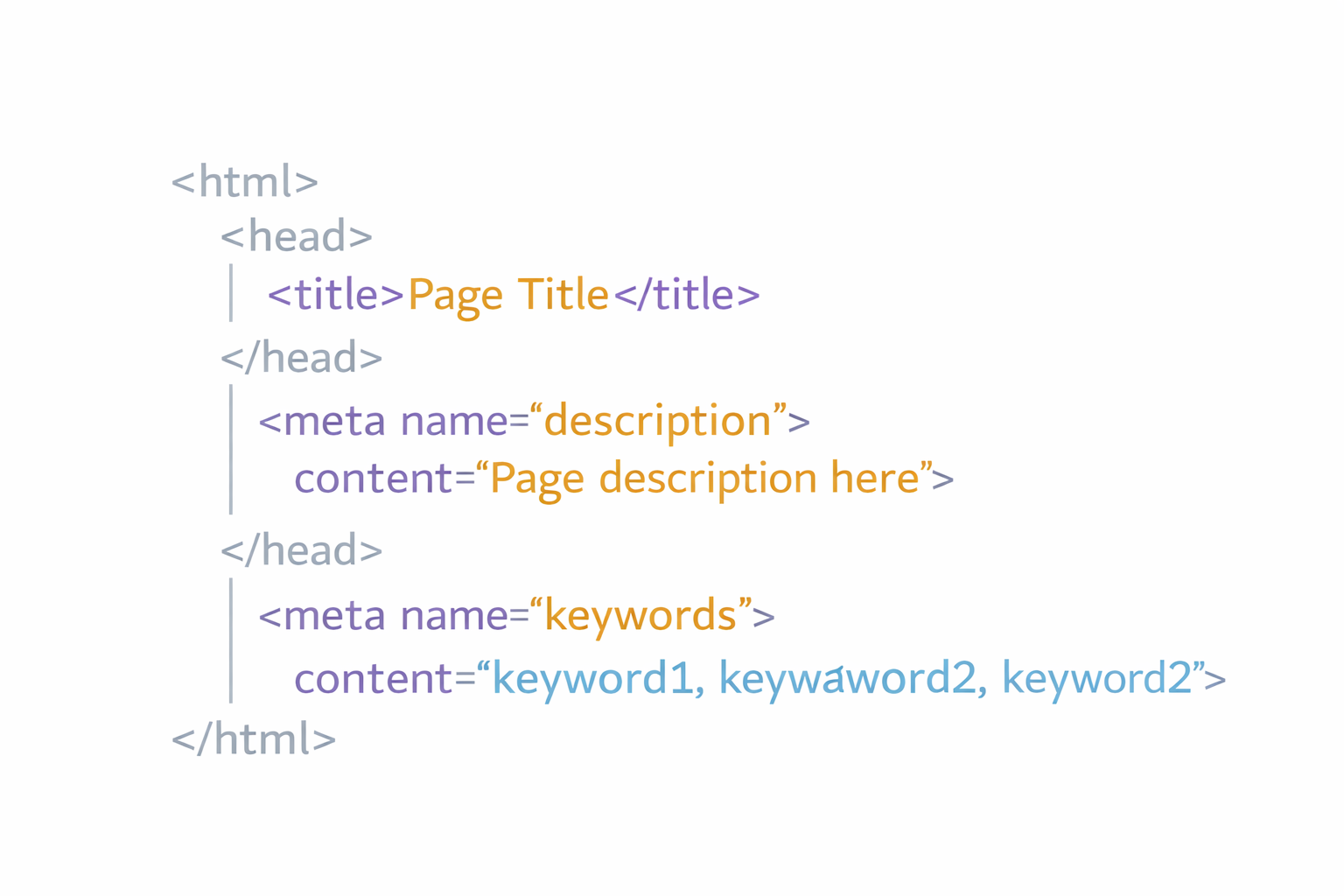
The title tag is arguably the most important on-page element. It appears in search results, browser tabs, and social shares. Getting it right matters.
✅ Include your primary keyword
Place your main keyword in the title, preferably near the beginning. Search engines weight words at the start more heavily.
Instead of: "Everything You Need to Know About Email Marketing"
Try: "Email Marketing Guide: Strategies That Actually Work"
✅ Keep it under 60 characters
Longer titles get truncated in search results. Aim for 50-60 characters to ensure the full title displays.
✅ Make it compelling
Your title competes with nine other results on page one. It needs to stand out. Include value propositions, power words, or specific benefits.
Weak: "Web Development Services"
Stronger: "Custom Web Development – Fast, Secure, Scalable Solutions"
✅ Each page needs a unique title
Duplicate titles across pages confuse search engines and users. Every page should have a distinct, relevant title.
✅ Include your brand (when appropriate)
For homepage and key pages: "Primary Keyword | Brand Name" works well. For deep content pages, brand inclusion is less critical.
Meta Descriptions
Meta descriptions don't directly affect rankings, but they heavily influence click-through rates. A good description convinces searchers to click your result instead of others.
✅ Write compelling copy
You have 150-160 characters to convince someone to click. Focus on benefits, address the searcher's intent, and include a subtle call to action.
✅ Include your target keyword
Google bolds keywords that match the search query. This makes your result visually pop.
✅ Match search intent
If someone searches "how to fix a leaky faucet," they want instructions, not a sales pitch. Your description should promise what they're looking for.
✅ Unique descriptions for each page
Just like titles, duplicate descriptions are wasted opportunities. Each page serves a different purpose—the description should reflect that.
✅ Don't leave it blank
If you don't specify a meta description, Google generates one from your page content. It's rarely as good as what you'd write intentionally.
Use our Meta Tag Analyzer to check how your titles and descriptions appear in search results.
URL Structure
Clean, readable URLs help both users and search engines understand what a page is about.
✅ Include keywords in URLs
/seo-checklist-2026 is better than /page-id-12847. Descriptive URLs provide context.
✅ Keep URLs short
Shorter URLs tend to perform better. Remove unnecessary words like "and," "the," "of."
Long: /the-complete-guide-to-understanding-and-implementing-seo-strategies
Better: /seo-strategies-guide
✅ Use hyphens between words
Hyphens are the standard separator. Avoid underscores, spaces, or running words together.
✅ Stick to lowercase
Mixed case can cause duplicate content issues on some servers. Consistently use lowercase.
✅ Avoid unnecessary parameters
/products/shoes is cleaner than /products?category=shoes&id=42&tracking=xyz. Use parameters only when necessary.
Heading Structure
Headings create content hierarchy. They help readers scan your page and help search engines understand content organization.
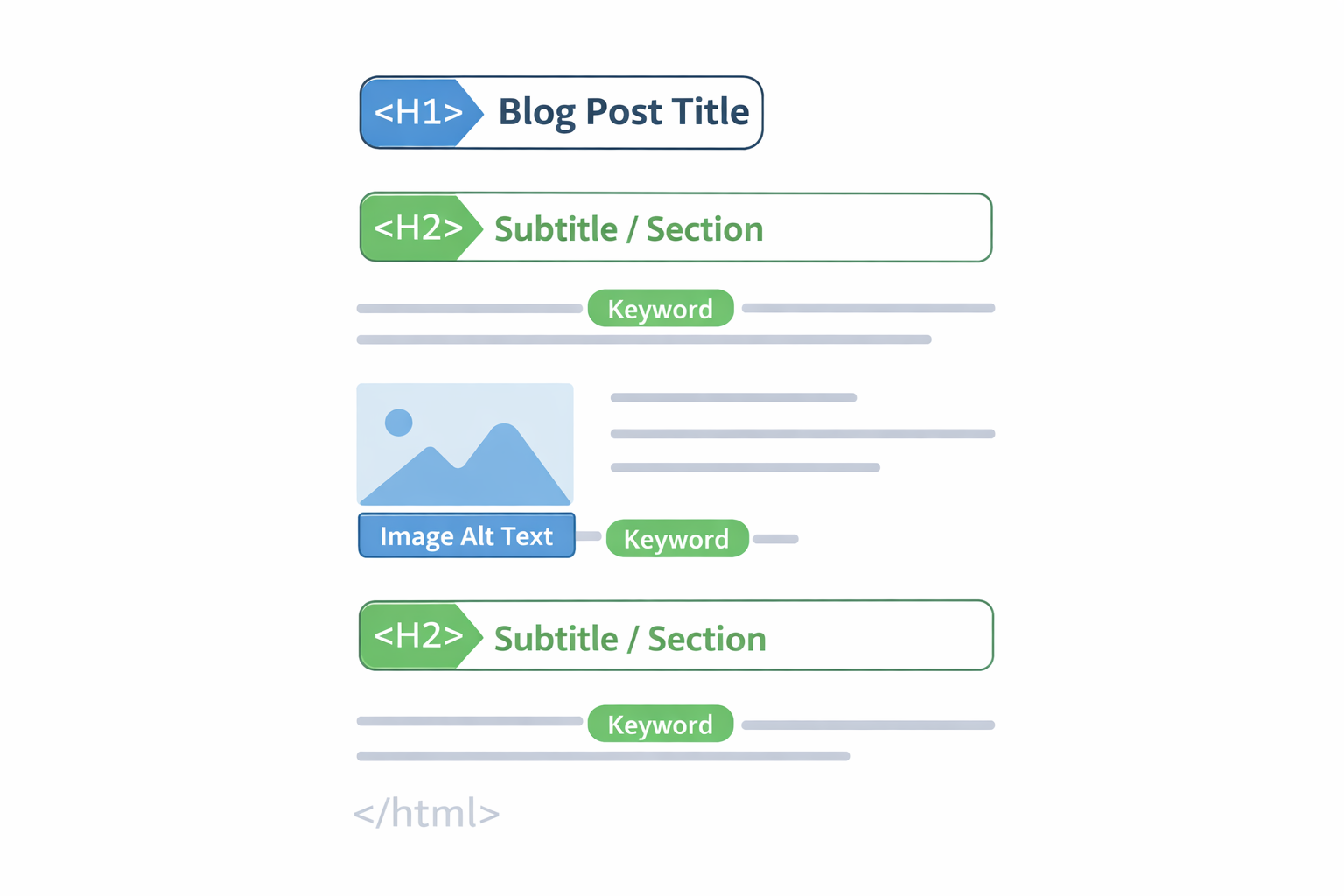
✅ One H1 per page
Your H1 is the main heading—usually the title of the content. Having multiple H1s dilutes semantic importance.
✅ Include keywords in H1 and H2s
Your primary keyword should appear in the H1. Related keywords work well in H2 subheadings.
✅ Use logical hierarchy
H1 → H2 → H3 → H4. Don't skip levels (H1 → H3) or use headings just for styling.
✅ Make headings descriptive
Headings should tell readers what each section covers. "Why This Matters" is vague. "Why Page Speed Affects Your Rankings" is clear.
✅ Break up long content
Readers don't want walls of text. Use headings every 200-300 words to create scannable sections.
Content Quality
Content remains the foundation of SEO. Without valuable content, no amount of optimization helps.
✅ Satisfy search intent
Before writing, search your target keyword. What kind of content ranks? Are people looking for tutorials, comparisons, product pages, or quick answers? Match the dominant intent.
✅ Cover the topic comprehensively
Top-ranking pages tend to cover topics thoroughly. This doesn't mean artificially inflating word count—it means answering the questions users have.
✅ Include related keywords naturally
Use semantic variations and related terms. If you're writing about "email marketing," naturally include "email campaigns," "newsletter," "email automation," "subscribers."
✅ Put important content first
Get to the point. Front-load value rather than burying it after lengthy introductions.
✅ Update outdated content
Content about "SEO in 2022" looks stale in 2026. Regularly update evergreen content with current information, updated statistics, and fresh examples.
✅ Make content readable
Short paragraphs. Simple sentences. Clear language. Reading level should match your audience—usually accessible rather than academic.
Image Optimization
Images affect both user experience and page speed. Optimizing them properly serves multiple purposes.
✅ Write descriptive alt text
Alt text describes images for screen readers and search engines. "Team meeting in conference room discussing quarterly results" is better than "IMG_4521" or just "meeting."
✅ Include keywords when relevant
If an image relates to your target keyword, include it naturally in the alt text. Don't stuff keywords where they don't belong.
✅ Compress images
Large image files slow page loading. Compress images without visible quality loss. Tools like ToolByte's Image Compressor make this easy.
✅ Use appropriate formats
WebP typically offers the best balance of quality and file size for web images. JPEG works for photographs. PNG for images requiring transparency.
✅ Use descriptive file names
blue-running-shoes-side-view.jpg is better than product_image_37.jpg. File names provide another relevance signal.
✅ Specify image dimensions
Include width and height attributes to prevent layout shifts as images load. This helps Core Web Vitals scores.
Internal Linking
Internal links connect your pages, distribute page authority, and help users navigate your content.
✅ Link to relevant pages
When you mention a topic covered elsewhere on your site, link to it. If this article mentions website performance, linking to related content helps readers and SEO.
✅ Use descriptive anchor text
"Click here" tells nothing about the destination. "Our guide to choosing tech stacks" clearly indicates what users will find.
✅ Link from high-authority pages
Pages with more backlinks and traffic can pass authority to other pages through internal links. Link from your strong pages to pages you want to boost.
✅ Don't overdo it
Too many links on one page dilute value and overwhelm readers. Link where it genuinely helps users.
✅ Fix broken internal links
Broken links create dead ends and waste crawl budget. Regularly audit for broken links and fix them.
Technical On-page Elements
Several technical factors affect how search engines crawl and index your pages.
✅ Ensure mobile friendliness
Google uses mobile-first indexing. Your mobile experience is what gets evaluated for rankings. Test with Google's Mobile-Friendly Test.
✅ Optimize page speed
Slow pages hurt rankings and user experience. Target:
- Largest Contentful Paint (LCP): Under 2.5 seconds
- First Input Delay (FID): Under 100 milliseconds
- Cumulative Layout Shift (CLS): Under 0.1
✅ Use HTTPS
HTTPS is a confirmed ranking factor. There's no reason not to use it in 2026—certificates are free via Let's Encrypt.
✅ Add schema markup
Structured data helps search engines understand your content and can enable rich results (review stars, FAQ dropdowns, recipe cards). Implement relevant schema types for your content.
✅ Create XML sitemaps
A sitemap helps search engines discover all your pages. Submit it via Google Search Console. Our Sitemap Generator can create one automatically.
✅ Optimize robots.txt
Make sure you're not accidentally blocking important pages from being crawled.
✅ Set canonical URLs
If similar content exists at multiple URLs, use canonical tags to indicate the preferred version.
User Experience Signals
Search engines increasingly consider how users interact with your pages.
✅ Reduce bounce rate
If users immediately return to search results, it signals your page didn't satisfy their query. Make content engaging and immediately valuable.
✅ Improve dwell time
How long users spend on your page matters. Comprehensive, engaging content keeps people reading.
✅ Make navigation intuitive
Users should easily find what they're looking for. Clear menus, breadcrumbs, and site search help.
✅ Eliminate intrusive interstitials
Pop-ups that block content frustrate users and can hurt rankings, especially on mobile.
Content Freshness
For certain queries, recency matters. Search engines favor updated content.
✅ Update existing content regularly
Review top-performing pages quarterly. Update statistics, add new information, improve outdated sections.
✅ Include dates appropriately
For time-sensitive content, showing last-updated dates builds trust. For evergreen content, dates may be less relevant.
✅ Monitor for content decay
Traffic to old pages naturally decreases. Identify declining pages and refresh them before they drop too far.
Quick-Reference Checklist
Print this out or save it. Run through it for every important page:
Title Tag
- Primary keyword included (near beginning)
- Under 60 characters
- Compelling and unique
- Brand included (if appropriate)
Meta Description
- Under 160 characters
- Includes target keyword
- Compelling call to action
- Unique per page
URL
- Short and descriptive
- Contains target keyword
- Uses hyphens, lowercase
Headings
- One H1 per page
- Keywords in H1 and H2s
- Logical hierarchy (H1 → H2 → H3)
Content
- Satisfies search intent
- Comprehensive coverage
- Readable formatting
- Updated and accurate
Images
- Descriptive alt text
- Compressed file size
- Appropriate format (WebP preferred)
- Dimension attributes set
Internal Links
- Links to relevant internal pages
- Descriptive anchor text
- No broken links
Technical
- Mobile friendly
- Fast loading (Core Web Vitals passing)
- HTTPS enabled
- Schema markup implemented
- Canonical tags set
Prioritizing Your Efforts
You probably can't fix everything at once. Prioritize based on impact:
High impact, often overlooked:
- Title tags and meta descriptions
- Mobile experience
- Page speed
- Internal linking structure
Important fundamentals:
- Content quality and comprehensiveness
- Heading structure
- Image optimization
Technical but valuable:
- Schema markup
- XML sitemap
- Canonical URLs
Start with high-impact items, especially on your most important pages. Then work through the list systematically.
Need help optimizing your website for search engines? Duo Dev Technologies provides SEO-focused web development services. Contact us to discuss how we can improve your search visibility.